—
메타크리틱
0개
DLC
Steam
플랫폼
액션, 인디
장르
5,500원
플랫폼별 가격 비교
가격 히스토리
차트 로딩 중...
게임 소개
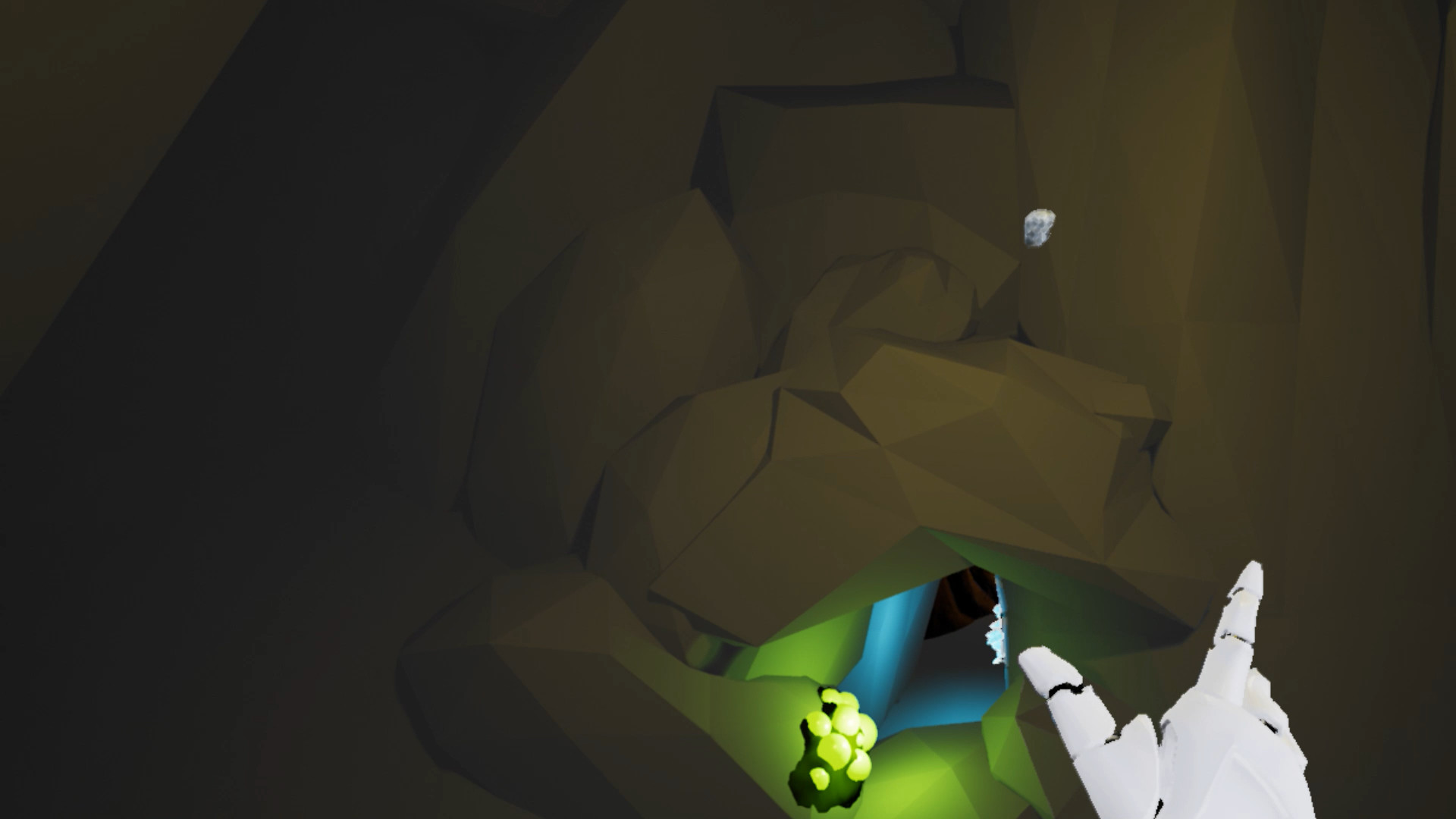
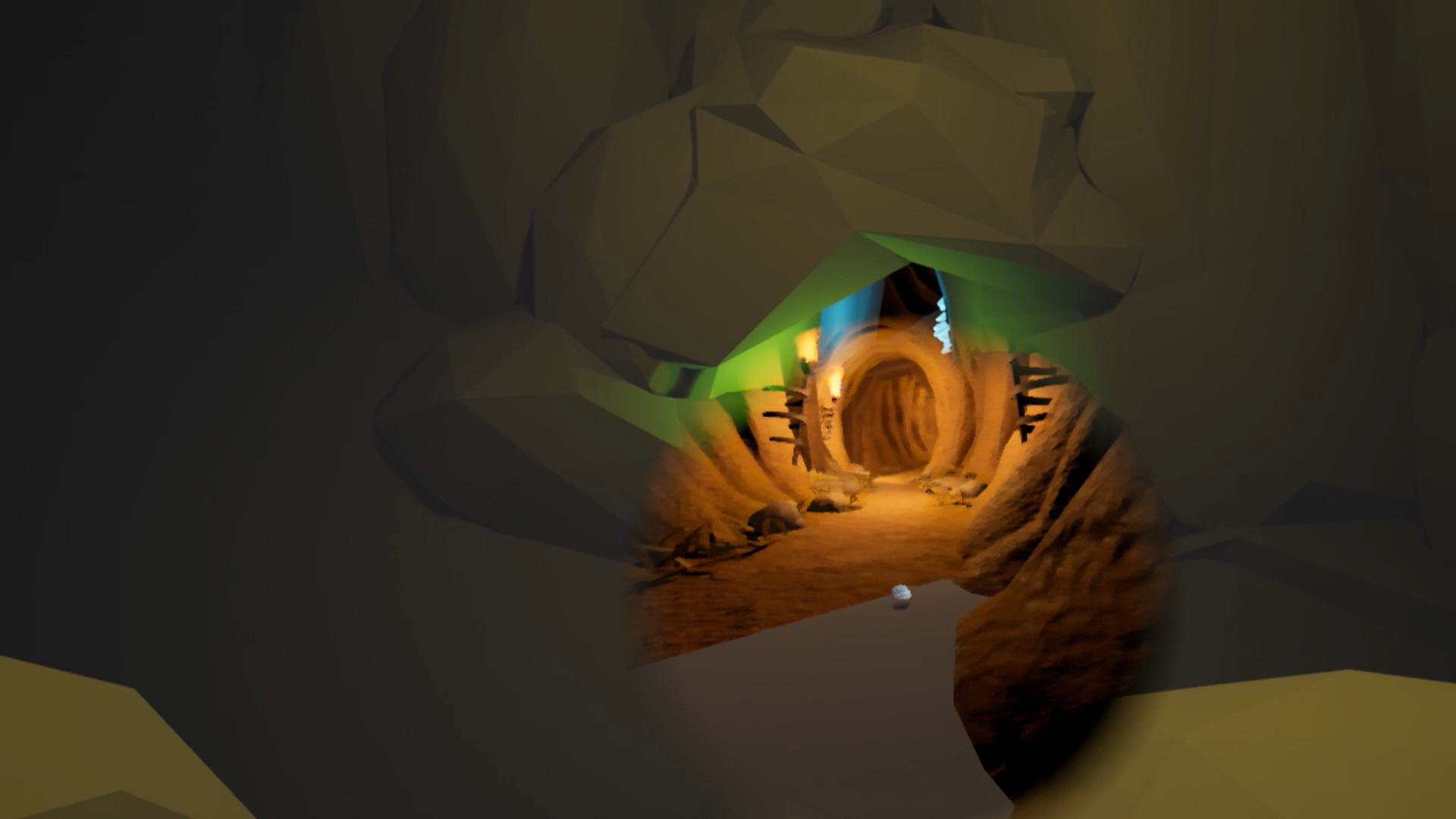
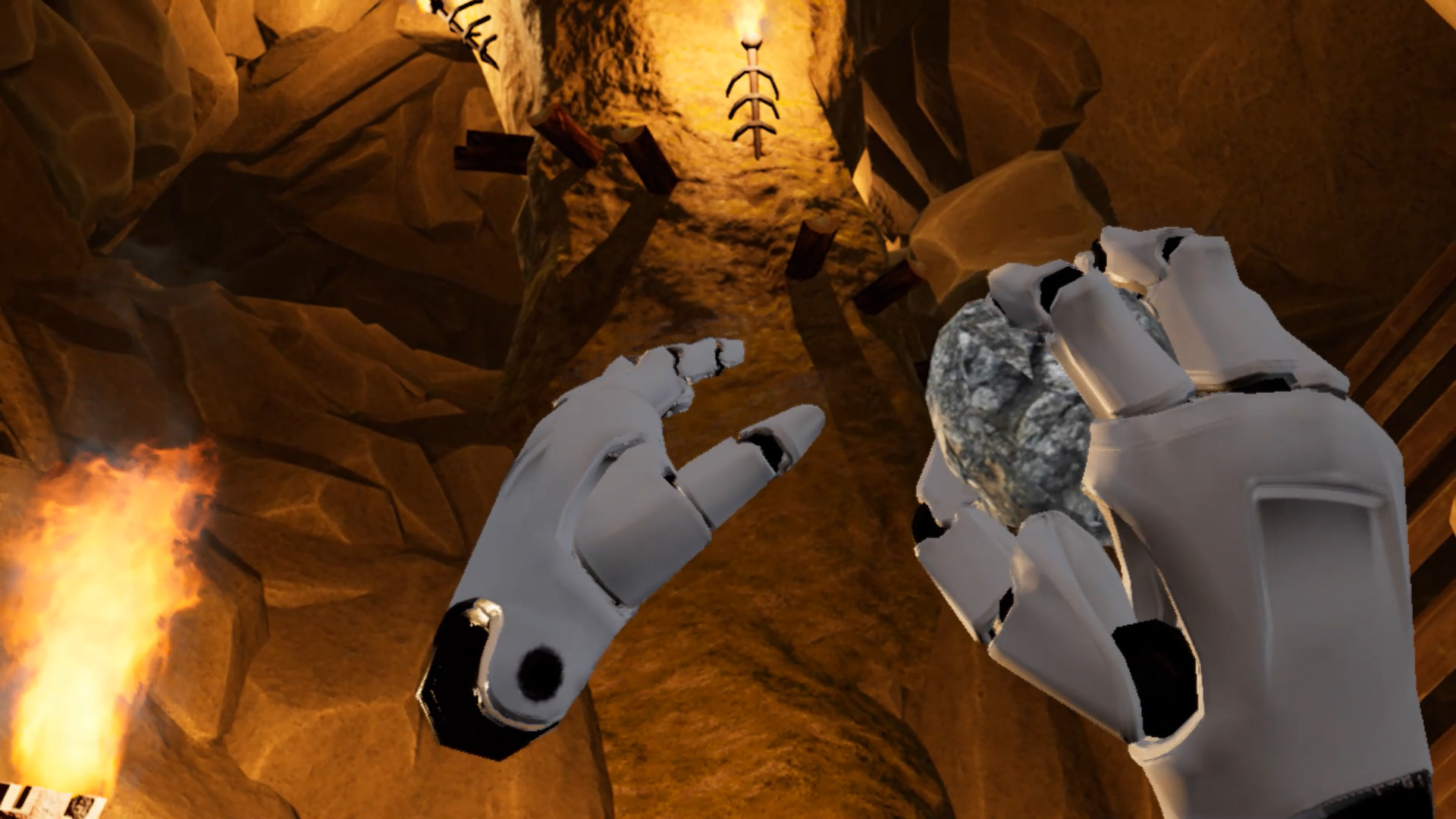
Throw your stone, then it rolls away, and you are forced to move to the point where the stone stops. The rule is so simple, as the same as golf.
You can practice as many times as you like, using Red Stone. Press Oculus Touch B or Y button to retry.
Be careful when you throw the normal gray stone. If you failed, it rolls away and the next time, you are in an unexpected place. Once you've thrown the gray one, you can not retry.
You can switch between the red one and the gray one by pressing Oculus Touch A or X button.
Regardless of your dominant arm, you can throw it by your either hand.
Showing the Menu is assigned on Oculus Touch Menu button.
This game is a fully auto-save. You cannot save at will, and if you quit the game and then resume it, you will resume from where you were last.
You're not always just throwing the stone. Sometimes you are required to play just to put it at your feet. Therefore, you need to install a tracking sensor so that you can track down to your feet.
Also, play in a room with high ceilings, as you may be throwing stones high right above you or placing them high up.
And also, this is an obvious one, if you don't want to get injured, play in a tidy and spacious enough room when playing VR games.
You will likely experience real heights in this game, so if you have height phobia, don't play this game.
Throw the stone, and get the goal above. Good luck!
You can practice as many times as you like, using Red Stone. Press Oculus Touch B or Y button to retry.
Be careful when you throw the normal gray stone. If you failed, it rolls away and the next time, you are in an unexpected place. Once you've thrown the gray one, you can not retry.
You can switch between the red one and the gray one by pressing Oculus Touch A or X button.
Regardless of your dominant arm, you can throw it by your either hand.
Showing the Menu is assigned on Oculus Touch Menu button.
This game is a fully auto-save. You cannot save at will, and if you quit the game and then resume it, you will resume from where you were last.
You're not always just throwing the stone. Sometimes you are required to play just to put it at your feet. Therefore, you need to install a tracking sensor so that you can track down to your feet.
Also, play in a room with high ceilings, as you may be throwing stones high right above you or placing them high up.
And also, this is an obvious one, if you don't want to get injured, play in a tidy and spacious enough room when playing VR games.
You will likely experience real heights in this game, so if you have height phobia, don't play this game.
Throw the stone, and get the goal above. Good luck!