—
메타크리틱
0개
DLC
Steam
플랫폼
인디, 시뮬레이션
장르
1,100원
플랫폼별 가격 비교
가격 히스토리
차트 로딩 중...
게임 소개
With Aquascaping Designer, you setup, decorate and arrange a set of natural elements in an aesthetic way.
Unleash your creativity, test your ideas and build endlessly.
VR and PC compatible, Aquascaping Designer will automatically switch to VR mode if it detects a VR headset, otherwise it will launch into the PC version. The creations will be visible regardless of the used platform.
Fully tested with Oculus Rift S and Rift. Steam VR Vive, Steam VR Index and Cosmos are implemented but not tested. It's the main reason for the early access
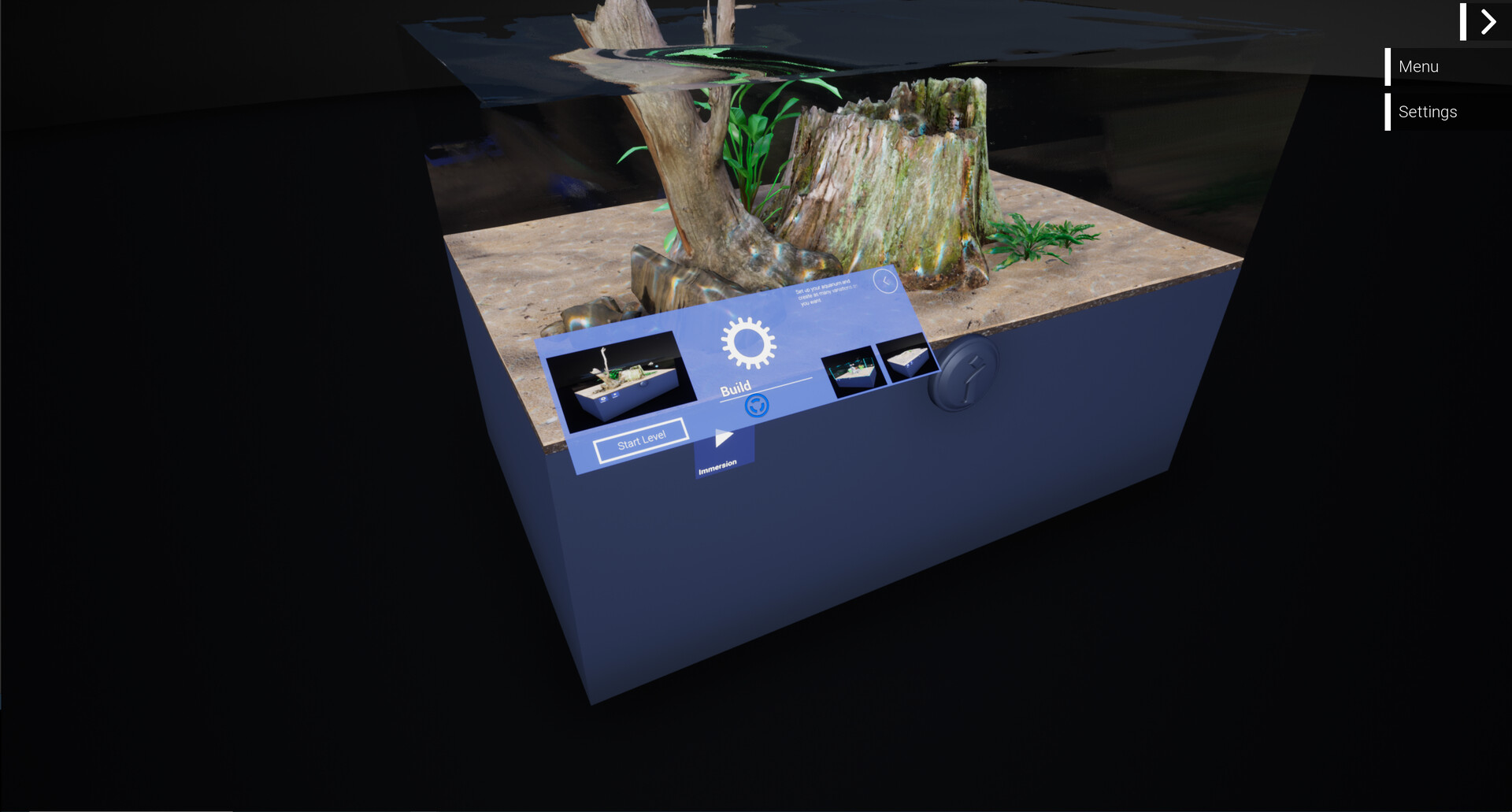
Aquascaping Designer currently includes a Main menu, a designer mode and a diving mode.
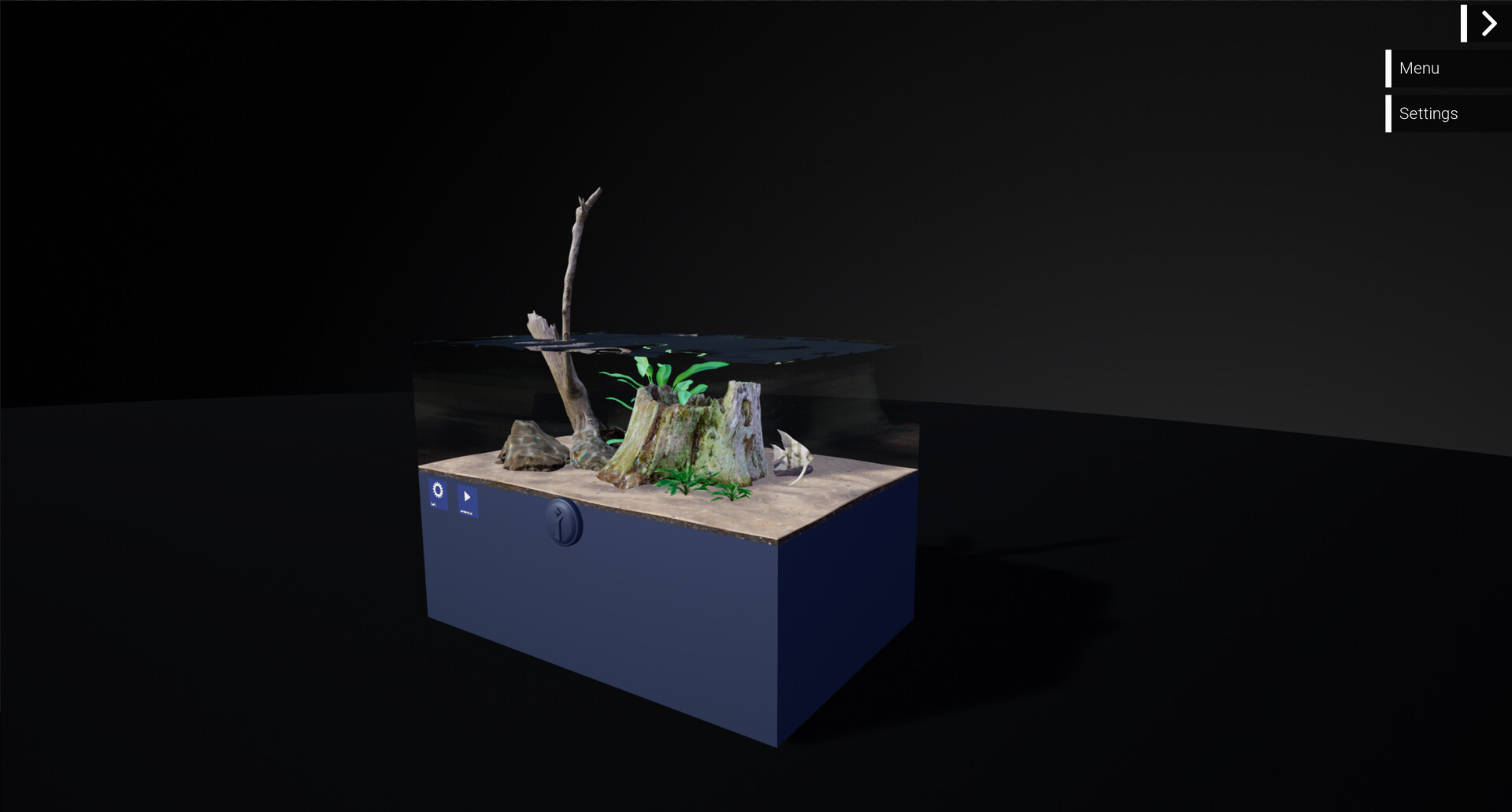
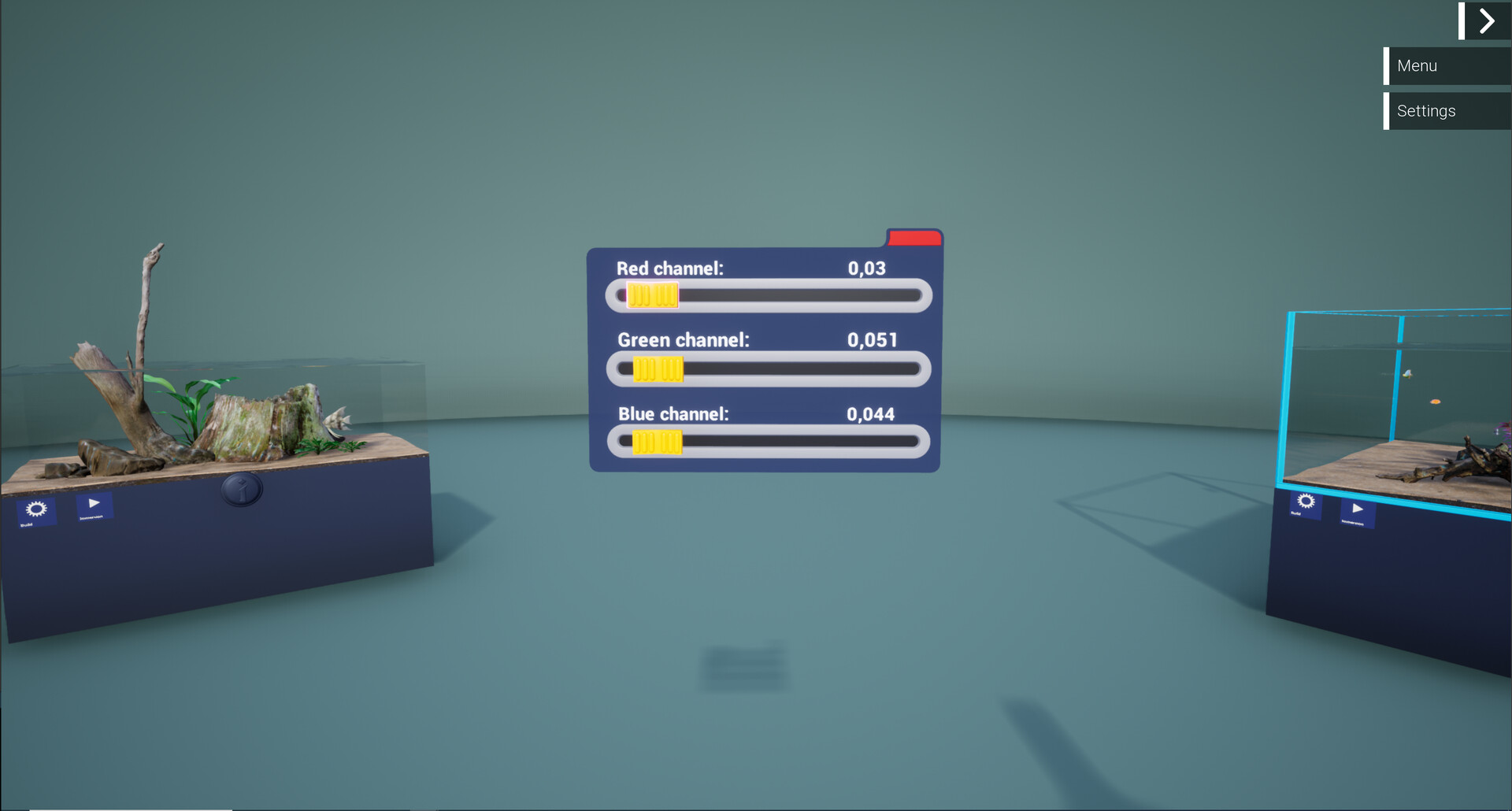
The Main menu is the place where all your aquariums are exposed. It's your gallery of aquascaping.
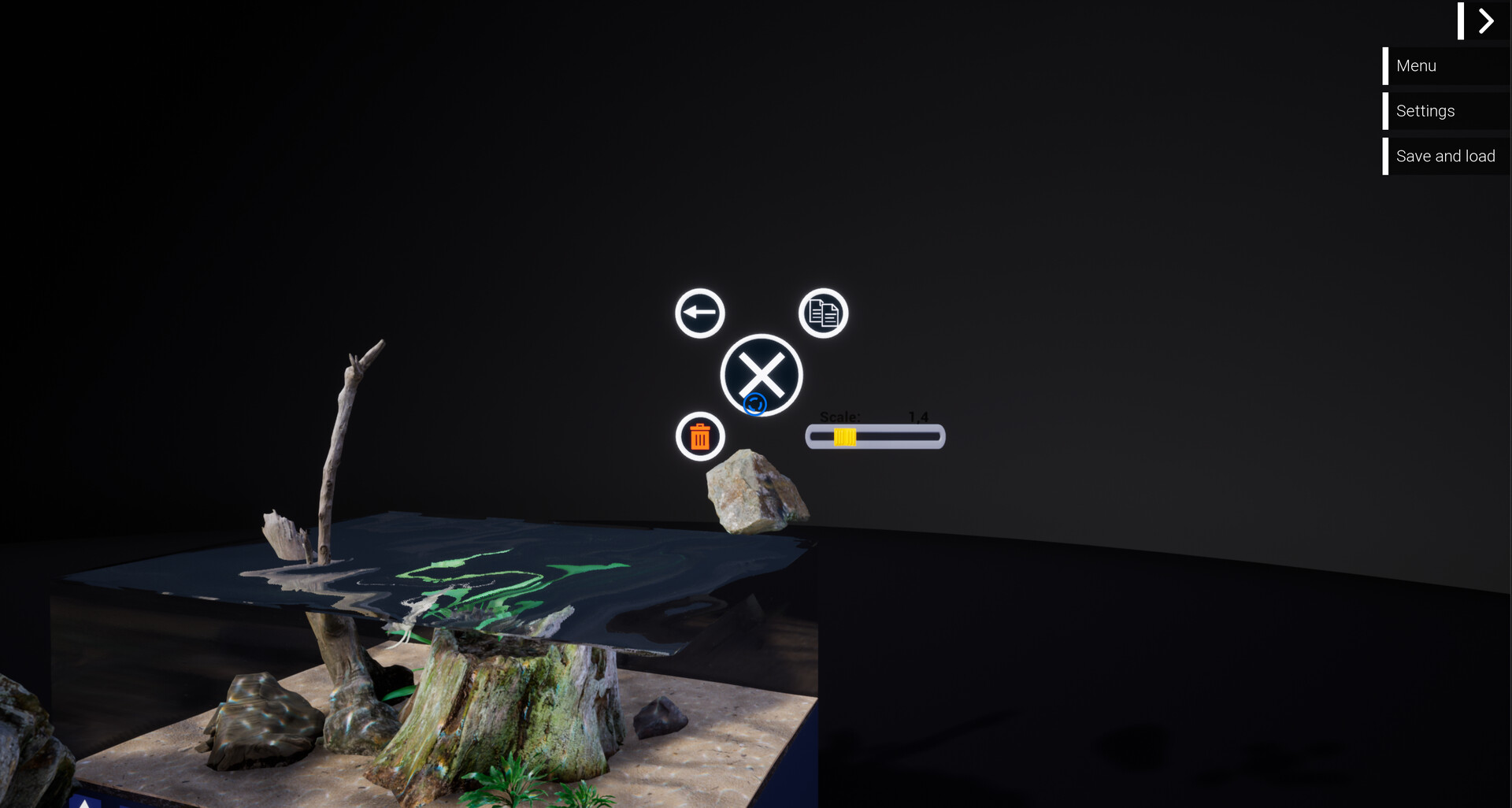
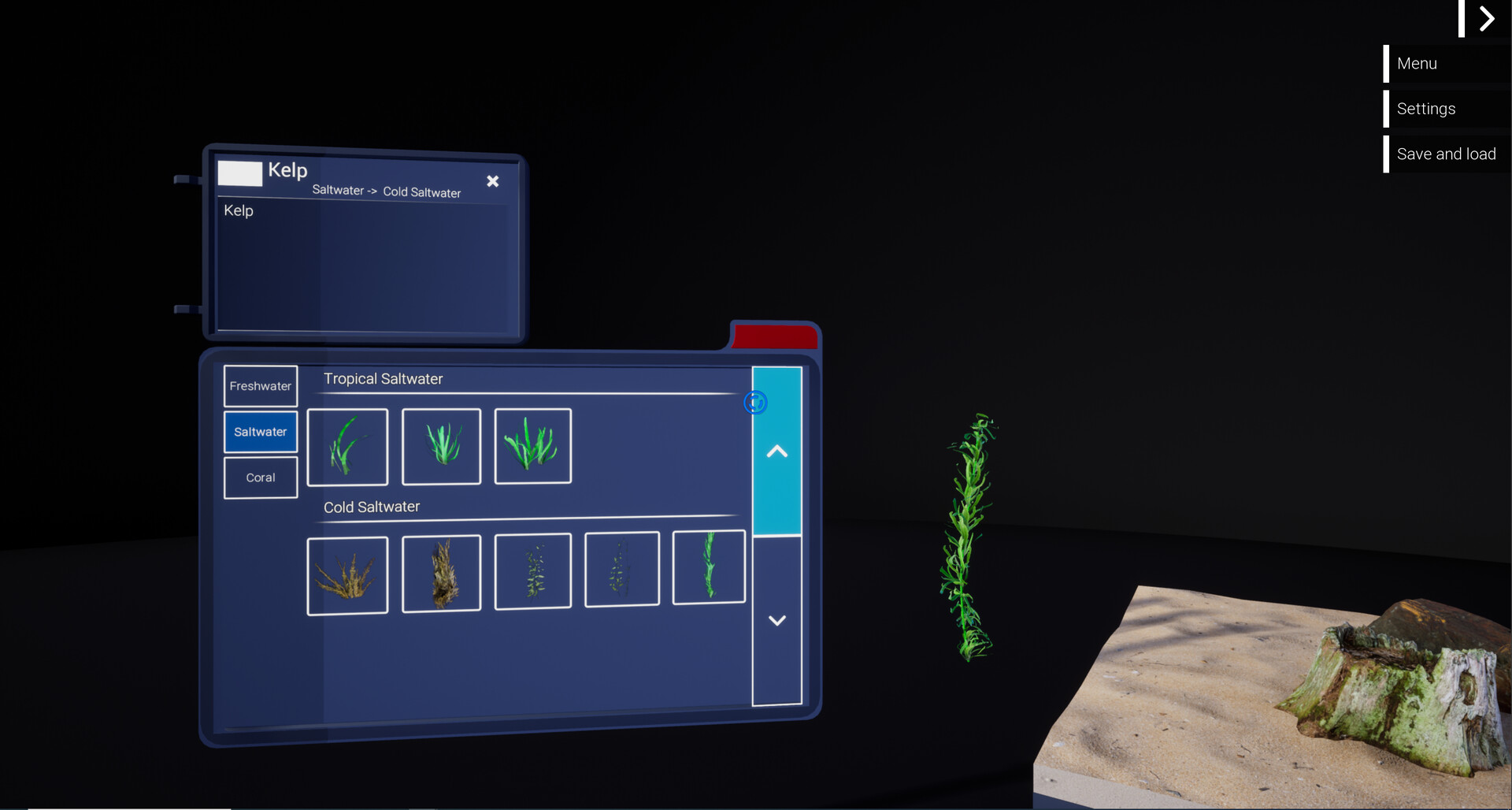
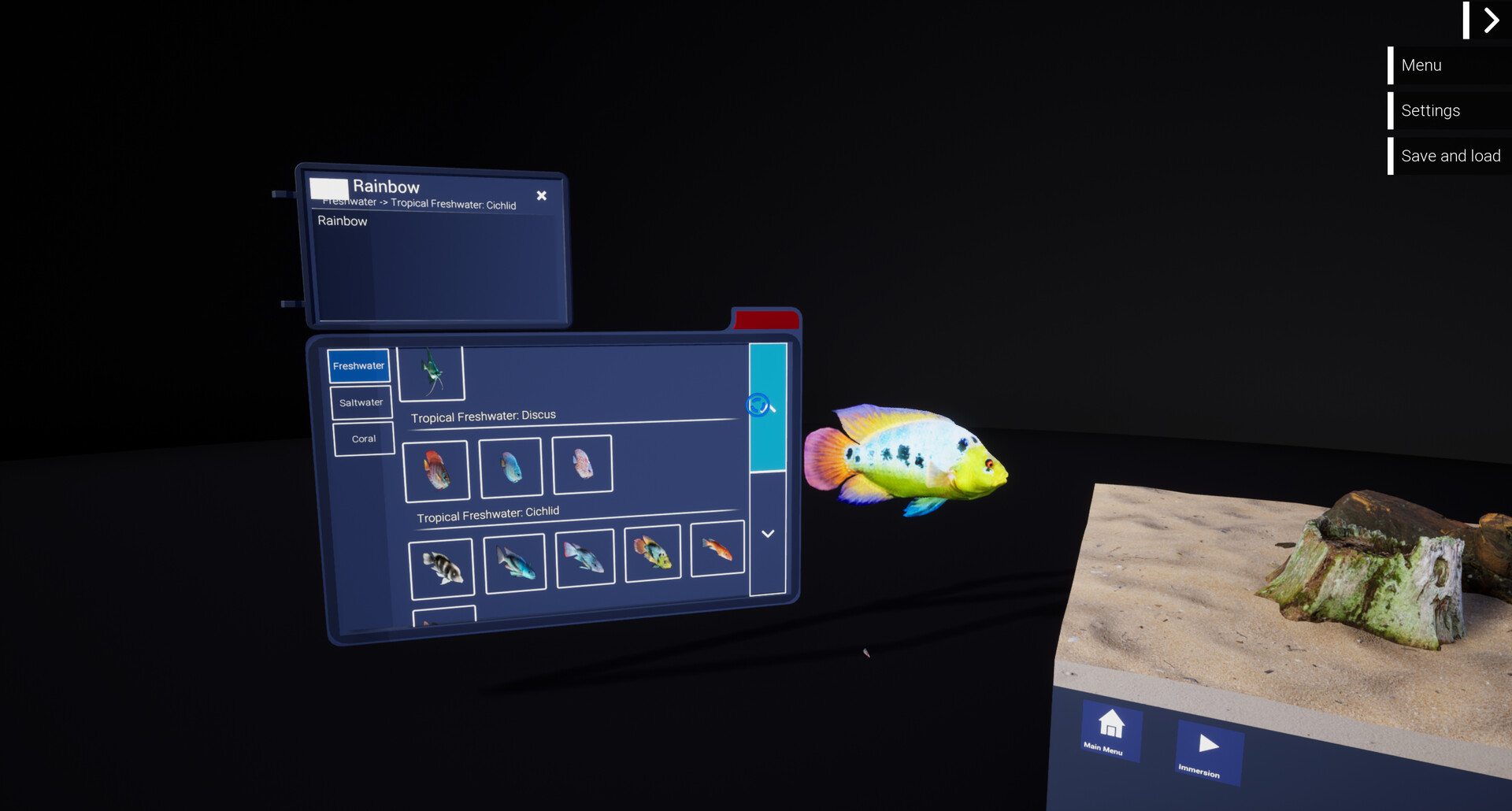
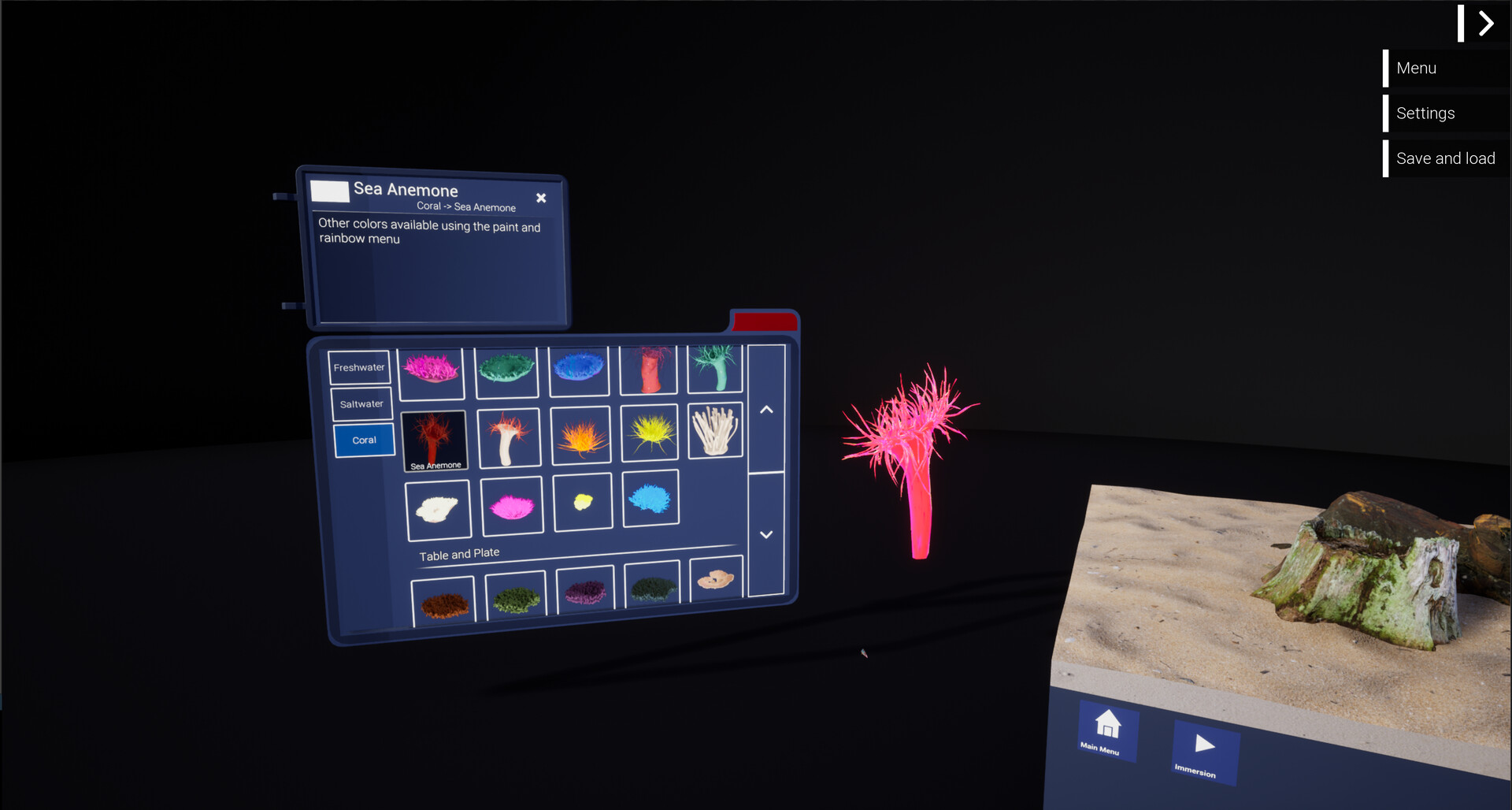
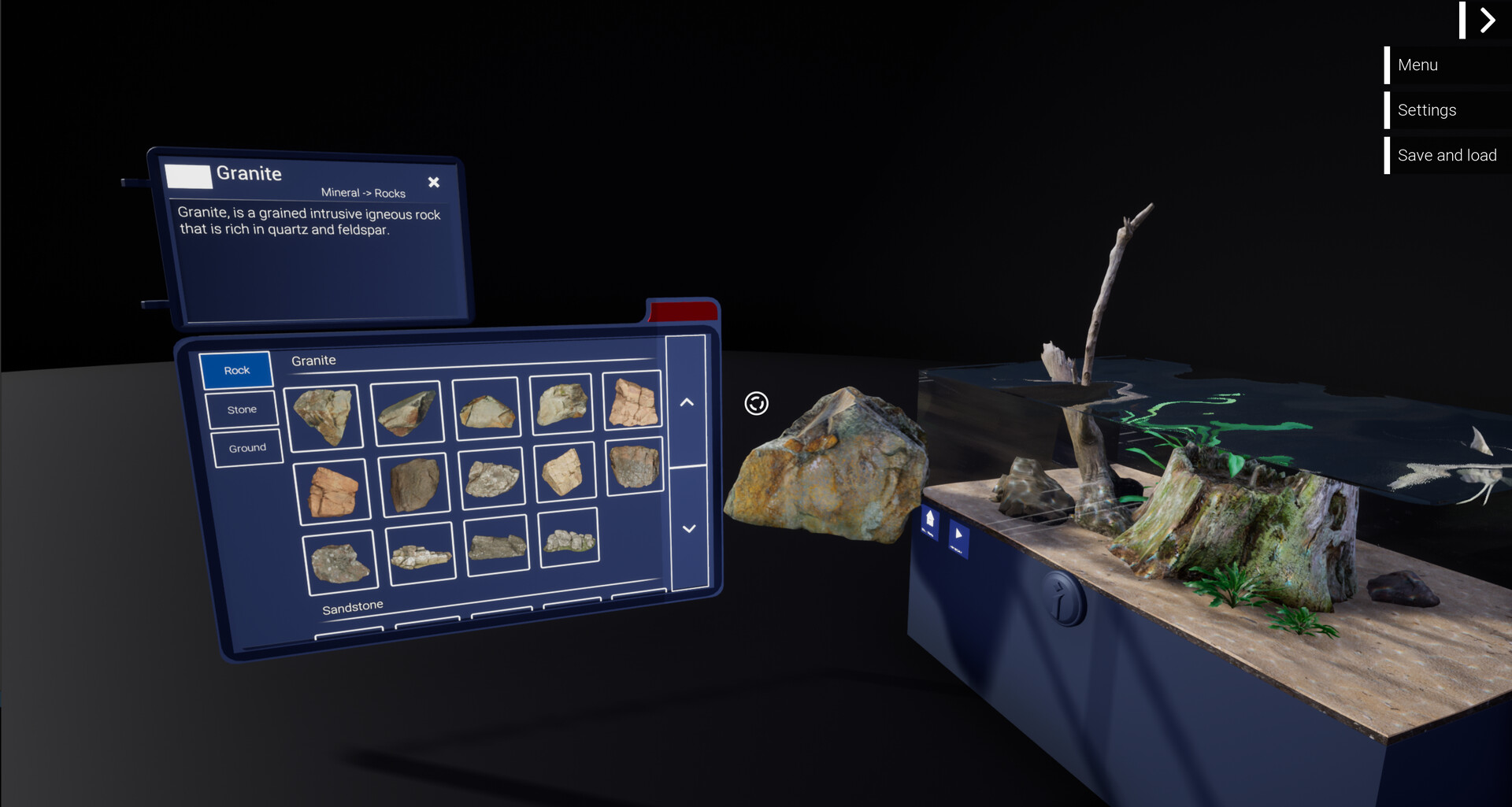
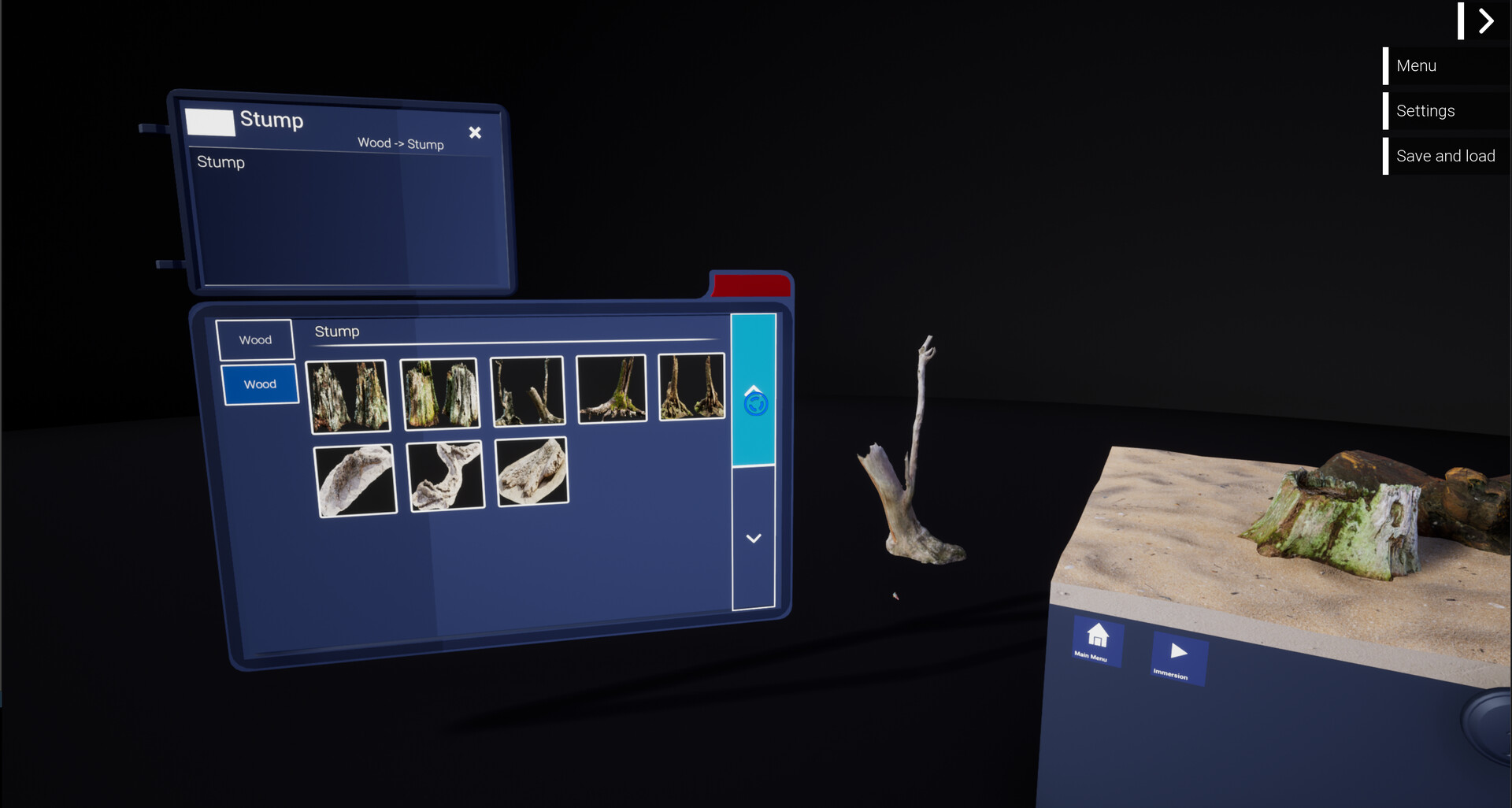
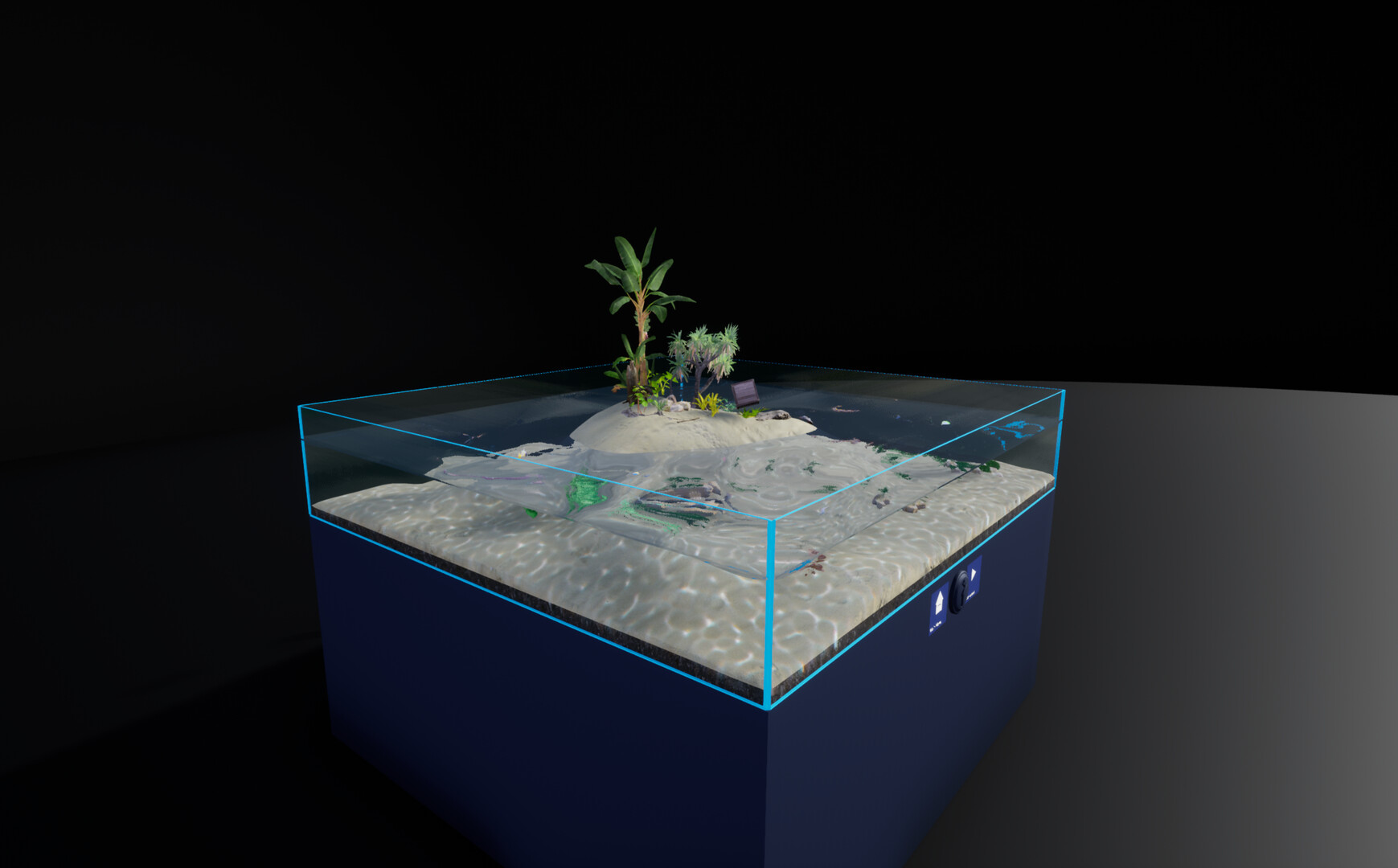
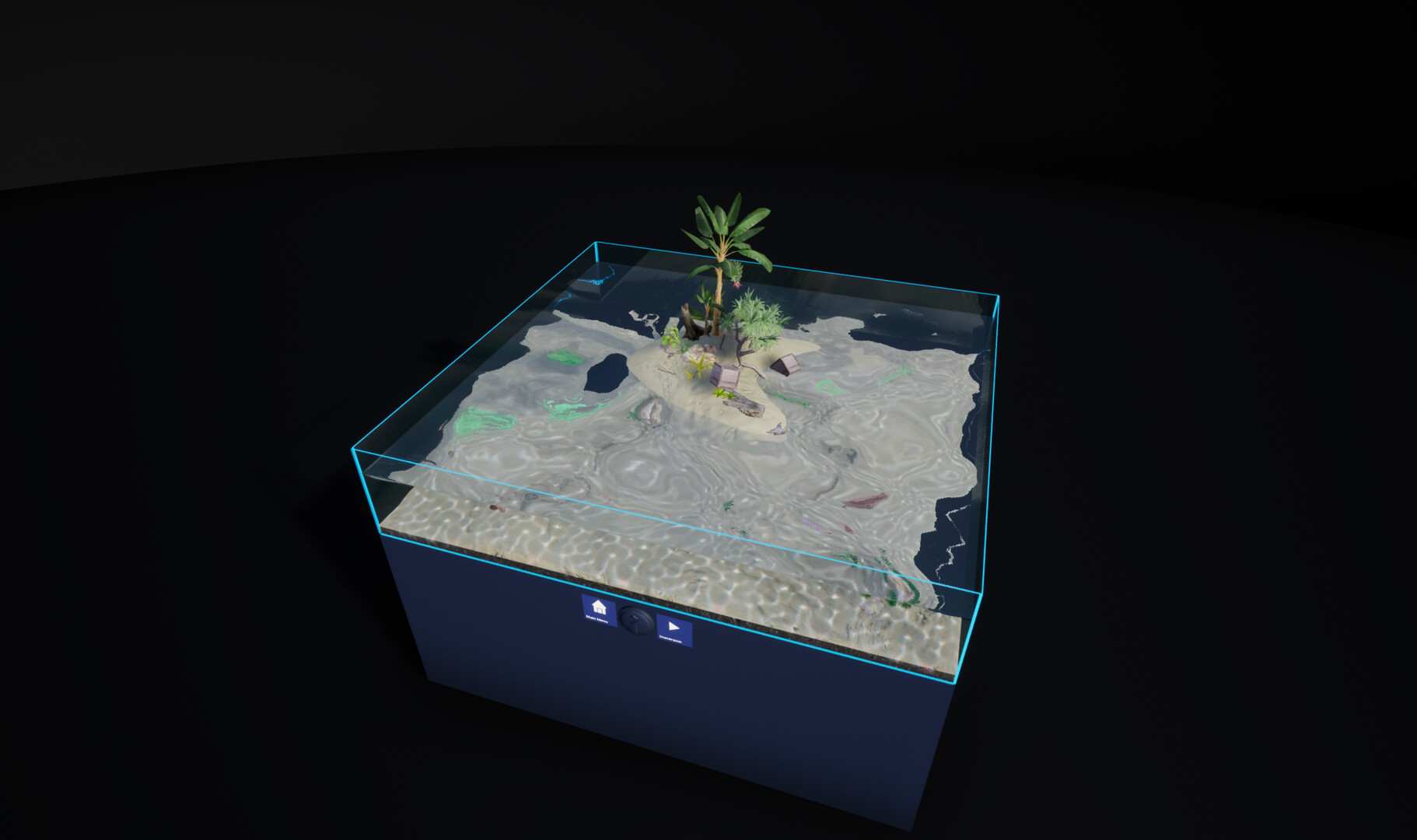
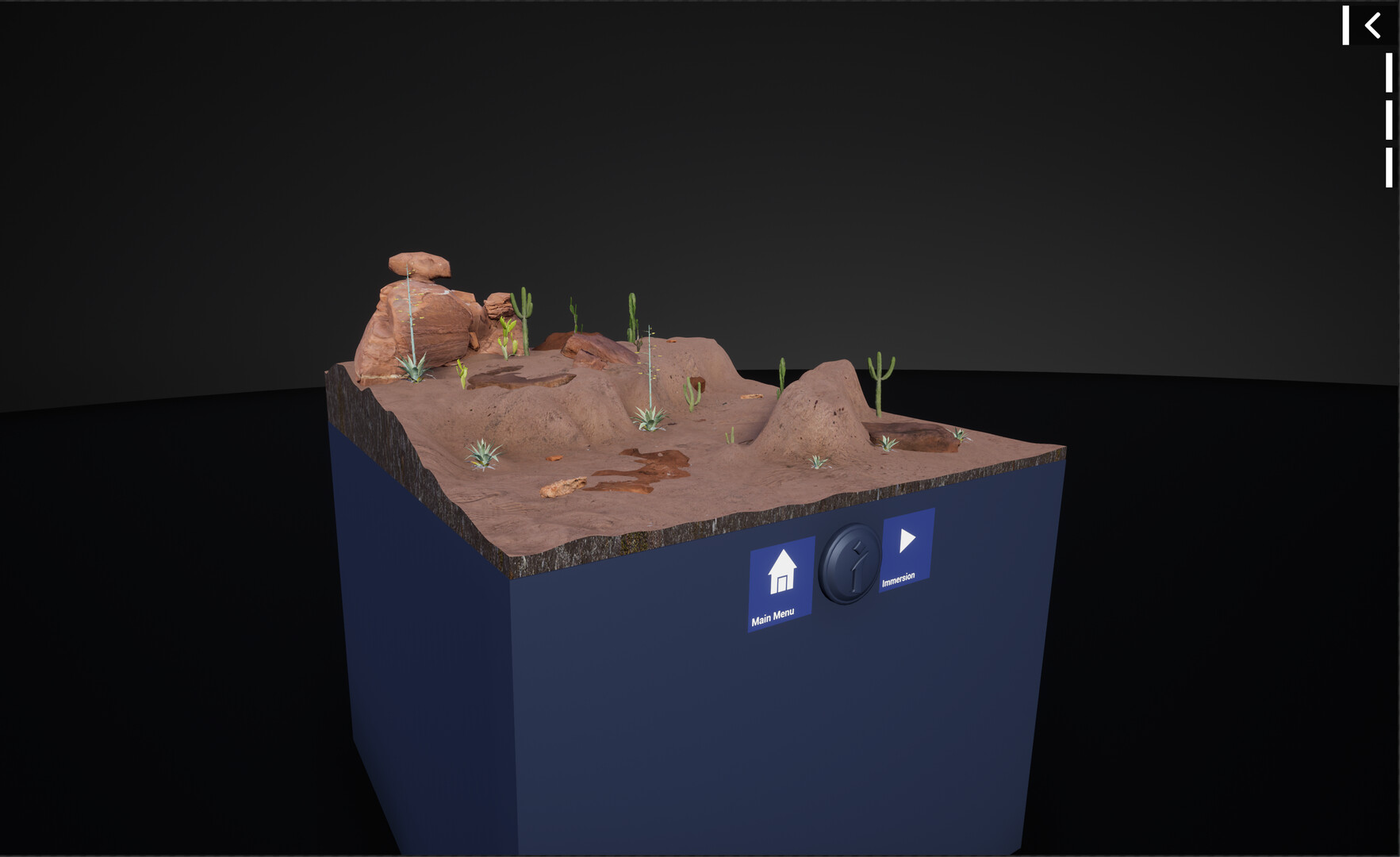
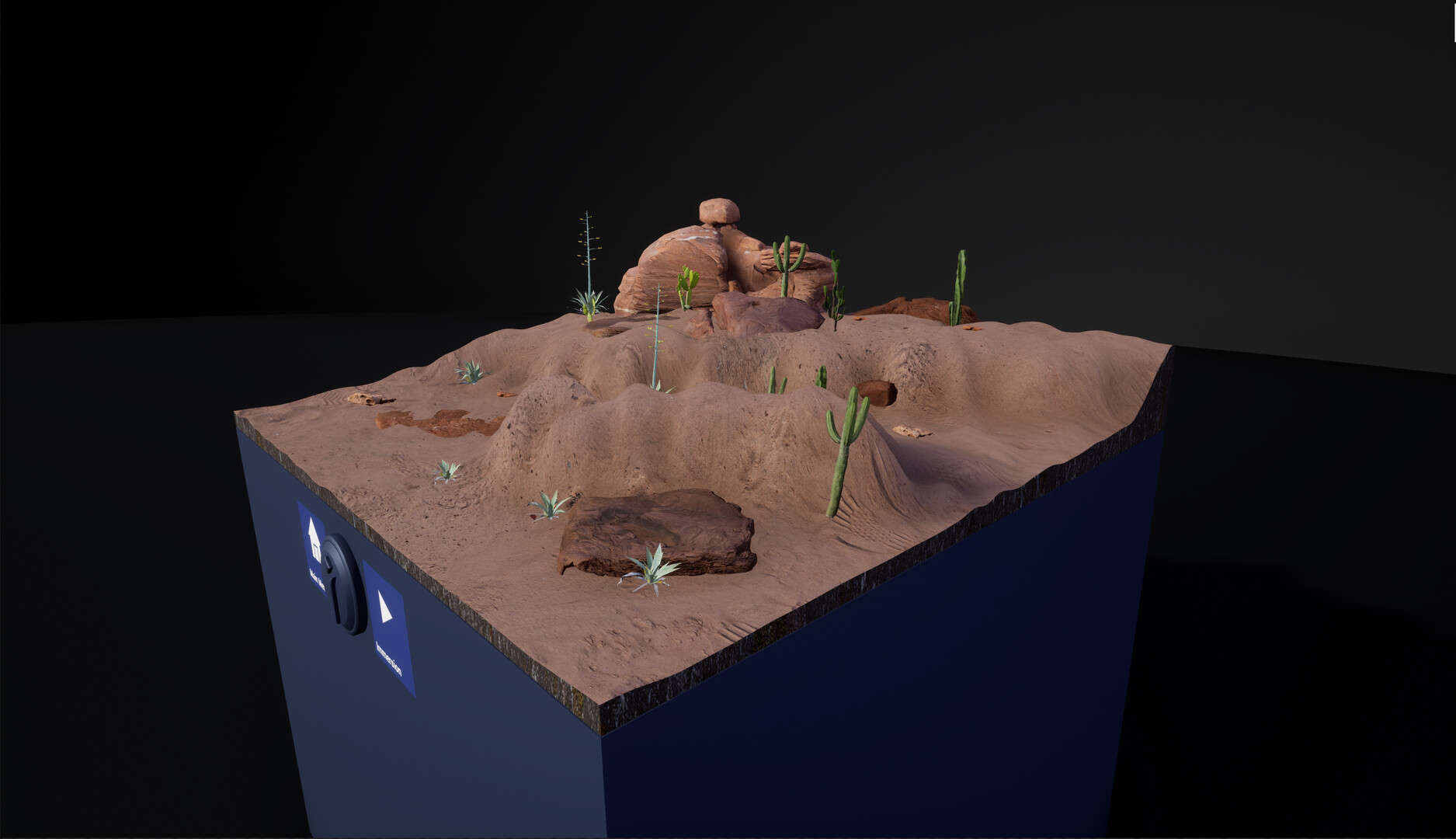
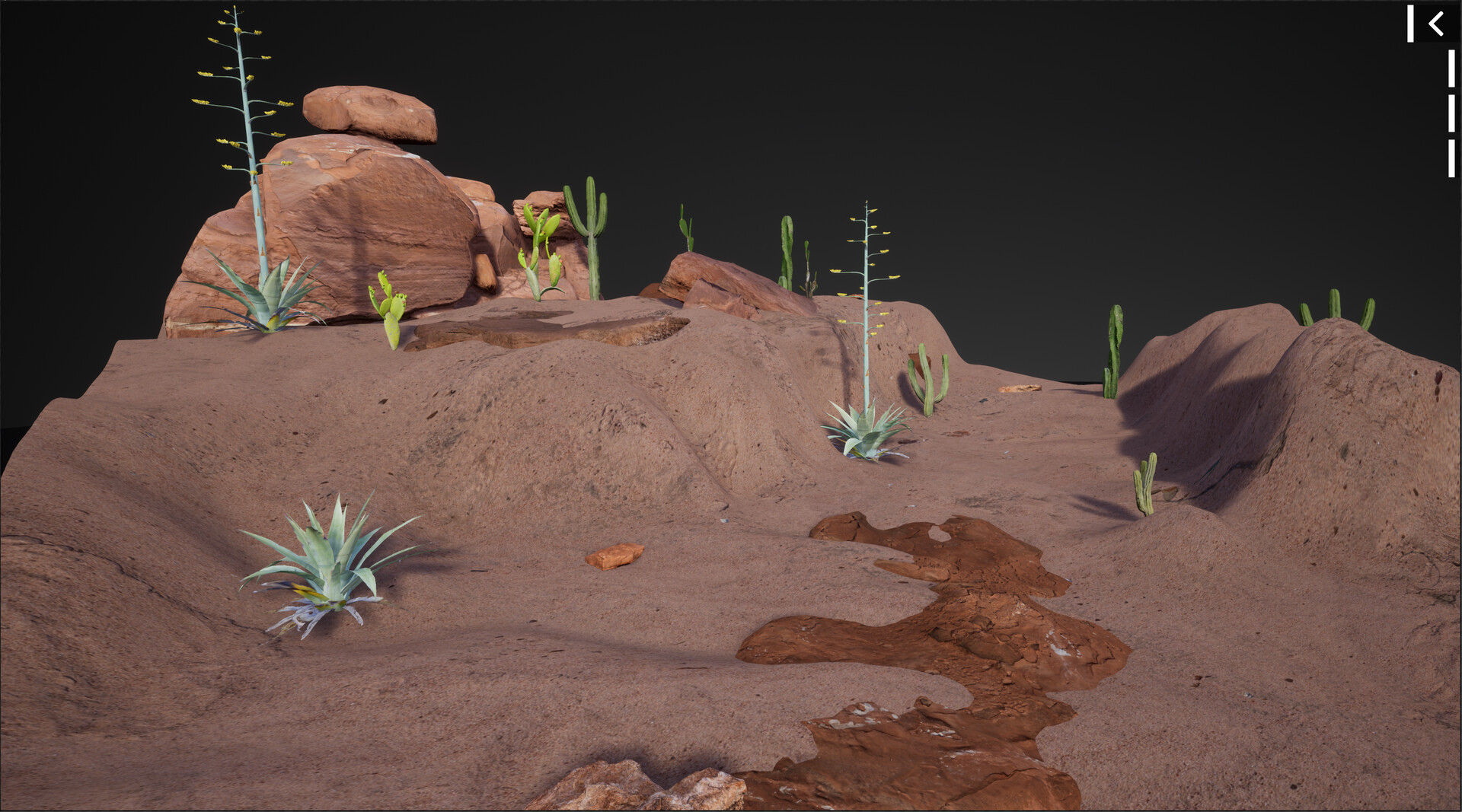
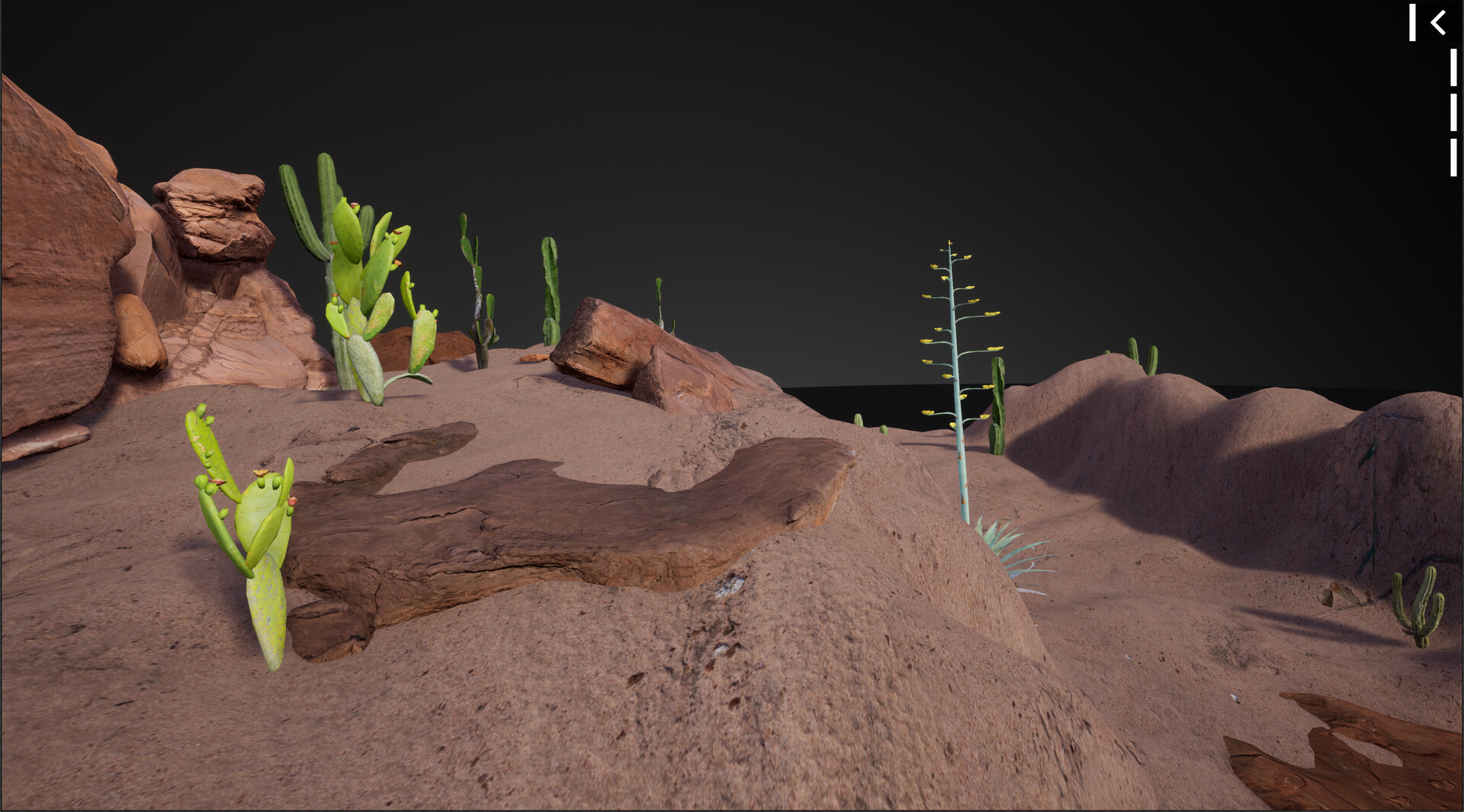
The designer mode lets you create your favorite aquarium. Choose the size of your aquarium,the level of the water, and a various kind of natural element like rocks, stones, wood, and fishes. More and more content will become available with our regular updates. Build your aquarium without considering real-world restrictions. It's even possible to build natural scapes without water like terrarium or to build scape with small areas of water like island.
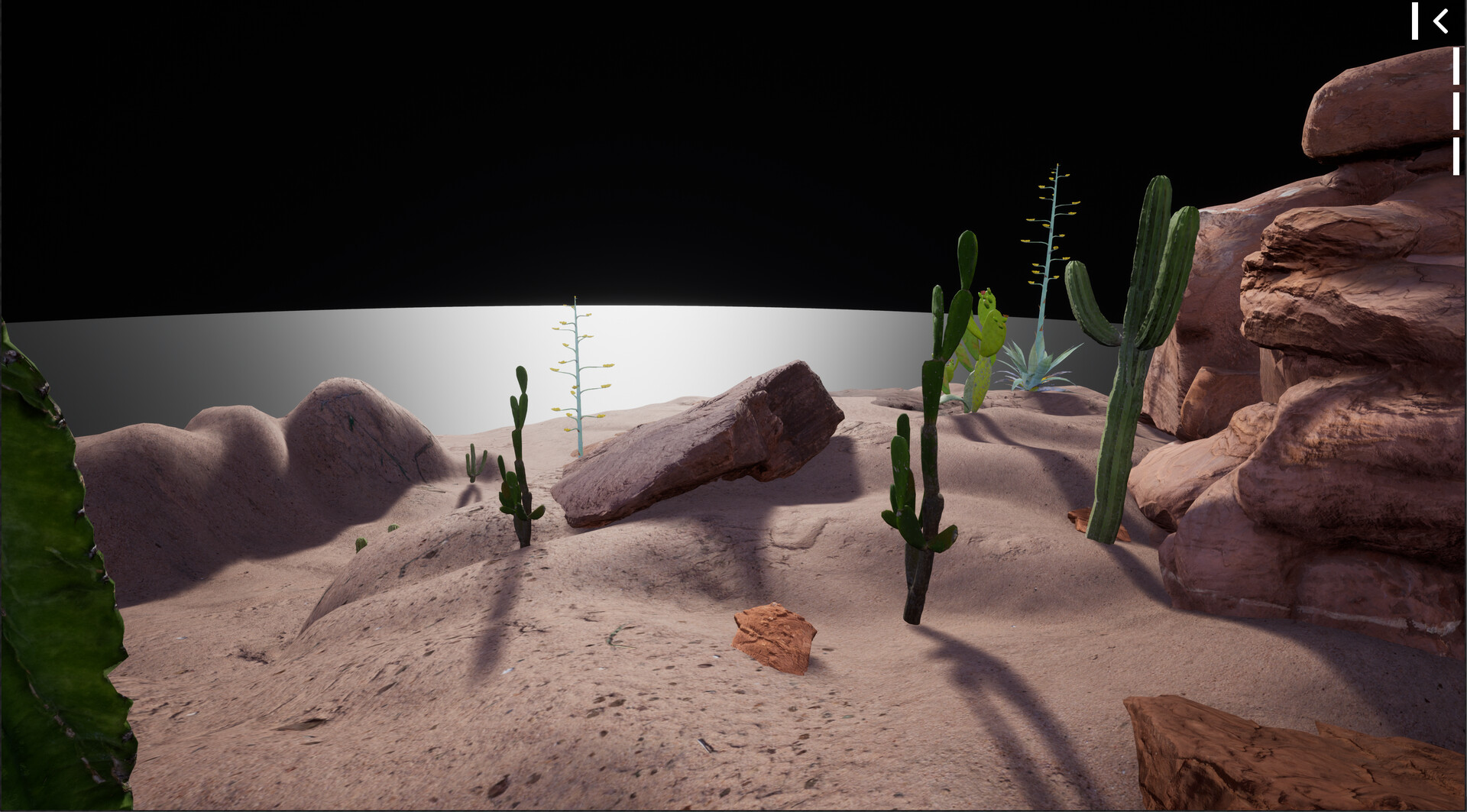
The diving mode gives you the perspective of a fish or a small animal. Immerse yourself in your creations. Swim as if you were a fish and discover your aquariums from another angle.
The screenshots and videos are all setup with Aquascaping Designer.
Unleash your creativity, test your ideas and build endlessly.
VR and PC compatible, Aquascaping Designer will automatically switch to VR mode if it detects a VR headset, otherwise it will launch into the PC version. The creations will be visible regardless of the used platform.
Fully tested with Oculus Rift S and Rift. Steam VR Vive, Steam VR Index and Cosmos are implemented but not tested. It's the main reason for the early access
Aquascaping Designer currently includes a Main menu, a designer mode and a diving mode.
The Main menu is the place where all your aquariums are exposed. It's your gallery of aquascaping.
The designer mode lets you create your favorite aquarium. Choose the size of your aquarium,the level of the water, and a various kind of natural element like rocks, stones, wood, and fishes. More and more content will become available with our regular updates. Build your aquarium without considering real-world restrictions. It's even possible to build natural scapes without water like terrarium or to build scape with small areas of water like island.
The diving mode gives you the perspective of a fish or a small animal. Immerse yourself in your creations. Swim as if you were a fish and discover your aquariums from another angle.
The screenshots and videos are all setup with Aquascaping Designer.