—
메타크리틱
0개
DLC
Steam
플랫폼
캐주얼, 소프트웨어 교육
장르
출시 예정
플랫폼별 가격 비교
가격 히스토리
차트 로딩 중...
게임 소개
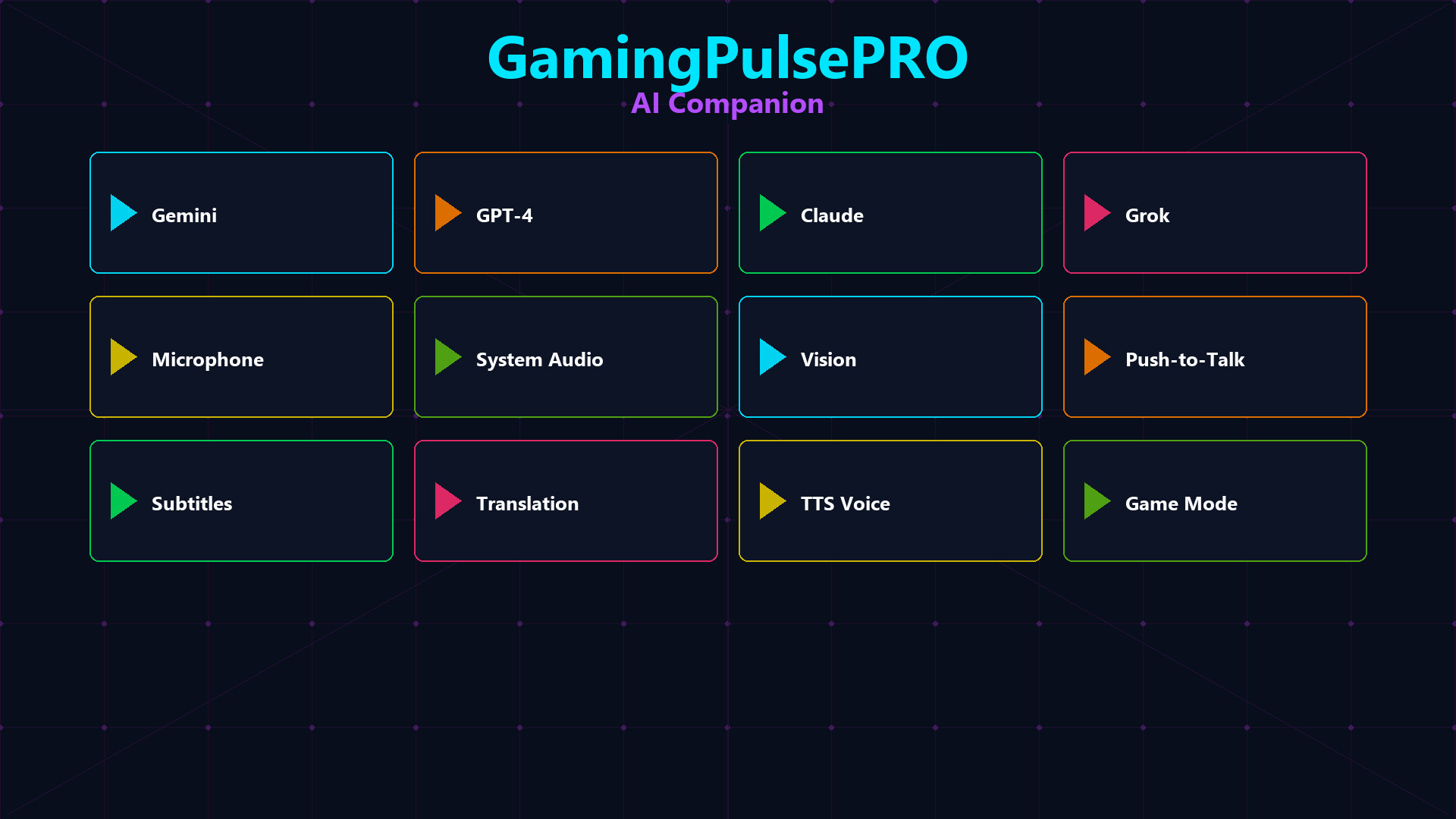
🤖 GamingPulsePRO — AI Companion
Your personal AI assistant built right into GamingPulsePRO. Choose from four major AI providers, chat by voice or text, capture your screen in real time and let the AI see what you see. A floating overlay that stays with you during any game or app. 🎯
🧠 Multi-Provider AI
🟣 Gemini (Google)
Free tier available. Supports real-time Vision streaming for live screen analysis.
🟢 GPT-4 (OpenAI)
Premium conversational AI with deep reasoning and code assistance.
🟠 Claude (Anthropic)
Long-context conversations with nuanced, safe responses.
⚫ Grok (xAI)
Real-time information and uncensored analysis from xAI.
💬 Chat Interface
📝 Text Chat
Full message history with auto-scroll, markdown rendering and usage stats (request count, token estimates).
📌 Pinned Messages
Pin important AI responses for quick reference. Access your pins panel anytime.
⚡ Quick Commands
One-click buttons: 💡 Explain · 🐛 Debug · ✍️ Improve · 📋 Summarize · 🎮 Tips — send common prompts instantly.
🧠 Session Memory
The AI remembers your conversation context across the session with a visible memory indicator.
🎙️ Voice Mode
🎤 Push-to-Talk
Hold a configurable hotkey to speak. Your voice is transcribed and sent to the AI automatically.
🔊 Voice Activity Display
Live "🔊 Speaking..." overlay with real-time audio level meters for input and output.
🎚️ Mic Boost
Gain slider from 1.0x to 5.0x for quiet microphones. Test mic and speaker buttons included.
🗣️ AI Voice Response
The AI speaks back using your chosen TTS engine. Toggle response audio on or off.
🗣️ Text-to-Speech Engines
🎵 OpenAI TTS
Nine premium voices: alloy, echo, fable, onyx, nova, shimmer, ash, coral, sage.
🎵 ElevenLabs
Dynamic voice list from your ElevenLabs account with per-voice customization.
🎵 Windows SAPI
Local system voices with no API key required. Automatic language-matching.
🎵 Azure Cognitive Services
Enterprise-grade voices with region selection and cached voice lists.
👁️ Real-Time Vision
📸 Screen Capture
Share your screen with the AI in real time. Choose between monitor capture or specific window capture.
🖥️ Monitor / Window Selection
Select which monitor or window the AI sees. Adjust X/Y offset for precise framing.
🤖 AI Control (Optional)
Allow the AI to control your mouse and keyboard for hands-free automation tasks.
🎭 AI Persona
👤 Persona Presets
Choose a role: General Assistant · Gamer · Developer · Content Creator · Tutor · Professional.
📝 Custom System Prompt
Write up to 80 lines of custom instructions that are always included in every AI request.
📄 About Me
A 60-line personal profile sent with each request so the AI knows your preferences and context.
🖼️ Window Customization
- 📐 Size presets: Small (350×500) · Medium (450×600) · Large (600×800)
- 📍 Position presets: 9 screen positions + manual offset
- 🌫️ Background opacity slider (0.0–1.0)
- 🔤 Text opacity and font size sliders (10–30pt)
- 🔒 Lock to game toggle
- 🪟 Show/hide window border
- 📜 Smart auto-scroll toggle
- 🌐 Primary and secondary language selectors
⚠️ Requires the base GamingPulsePRO application.