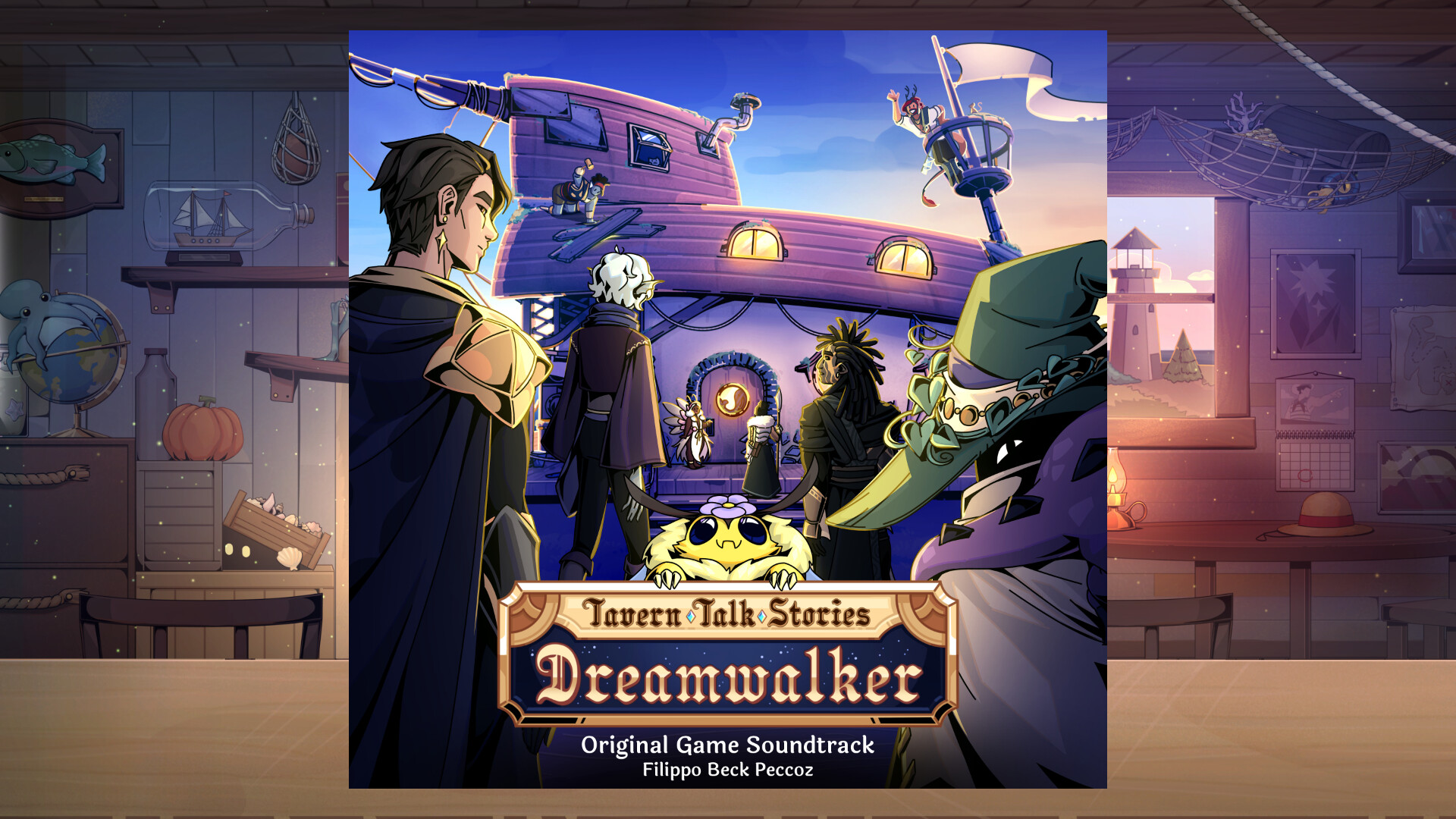
You’ve played our visual novel and now that one song from that one dialogue is stuck in your head? We’ve heard the best way to get rid of it is to listen to it once again, or twice... or even three times!
Grab the original soundtrack to play your favorite song on loop or to listen to the all the tracks during your cozy walk through nature.
We think our composer Filippo really outdid himself with this one: The beautiful, calming and immersive tracks let you dive headfirst into the mystical world of Tavern Talk: Dreamwalker.
Composed, produced and performed by Filippo Beck Peccoz
"All It Takes" written by Filippo Beck Peccoz and Vinny Marchi
Mixed and Mastered by Guido Hieronymus
Filippo Beck Peccoz: Plucked instruments, Synths
Sebastian Fillengerg: Violin
Vinny Marchi: Vocals on "All It Takes"
Go to your Steam library and on the dropdown menu just above the search bar on the left-hand side, click on the dropdown arrow and change your settings from “Games” to “Soundtracks”. This will list all of the soundtracks you own on your Steam account.
Right click on the album you want to listen to in your Steam library and select “Install”. Once it’s installed right click the soundtrack in your library again and select “Play Album” to listen to it through Steam. You can also right click on your soundtrack, hover over “Manage” and select “Browse local files” and listen to the soundtrack with your preferred audio player. OR right click the soundtrack, select “Properties…” and then under "Installed Files” click on “Browse…” to open the same local files folder.