—
메타크리틱
0개
DLC
Steam
플랫폼
유틸리티, 앞서 해보기
장르
DriftGuard is built for controller maintenance, repair validation, and hardware tuning. It helps you inspect stick center, range, circularity, trigger response, button state, motion data, saved calibration, and device health information before deciding whether calibration or hardware repair is needed.
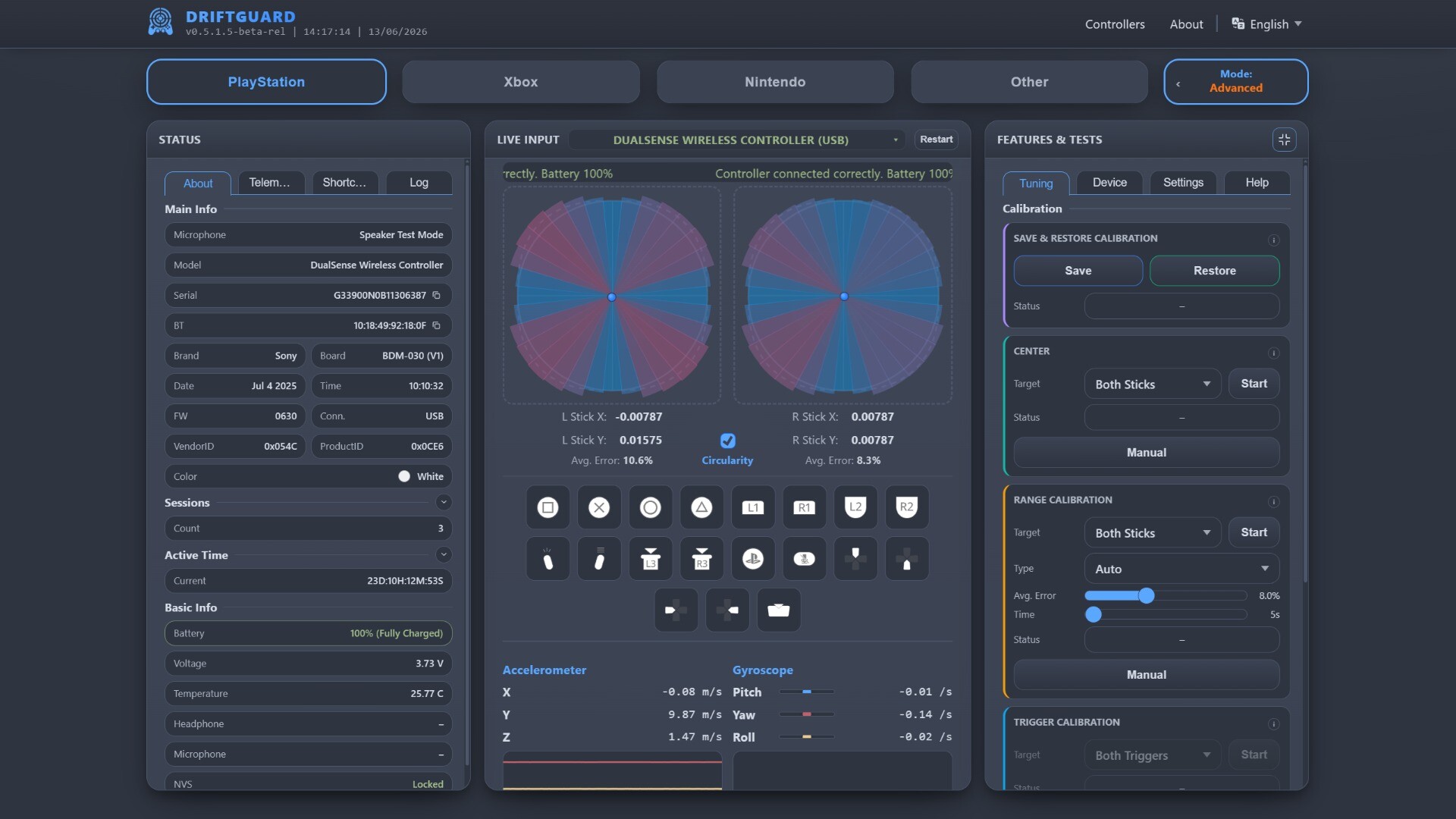
Analog Stick Analysis: live stick scopes, center drift tracking, circularity tests, range checks, deadzone visibility, precision views, and error metrics.
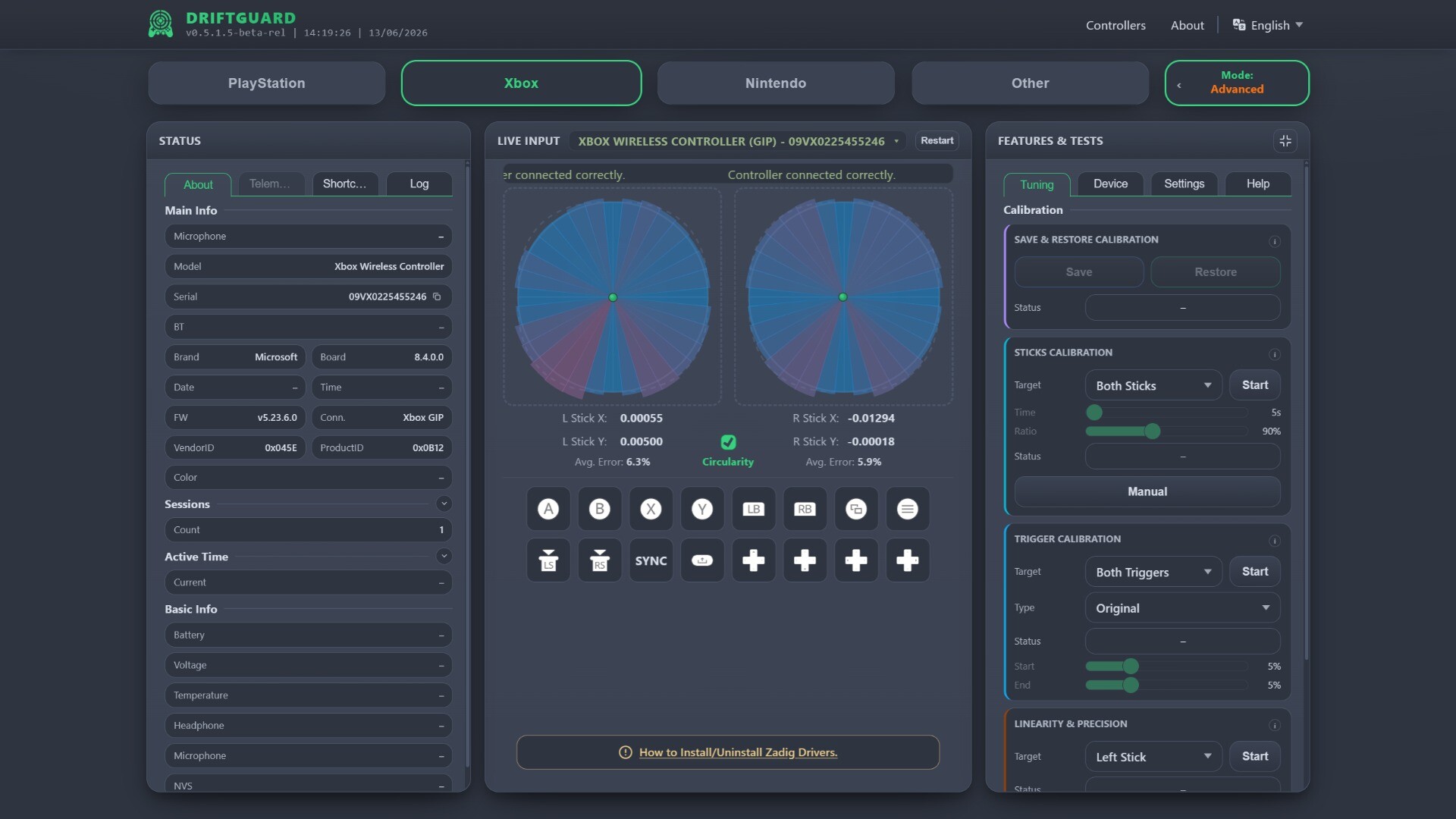
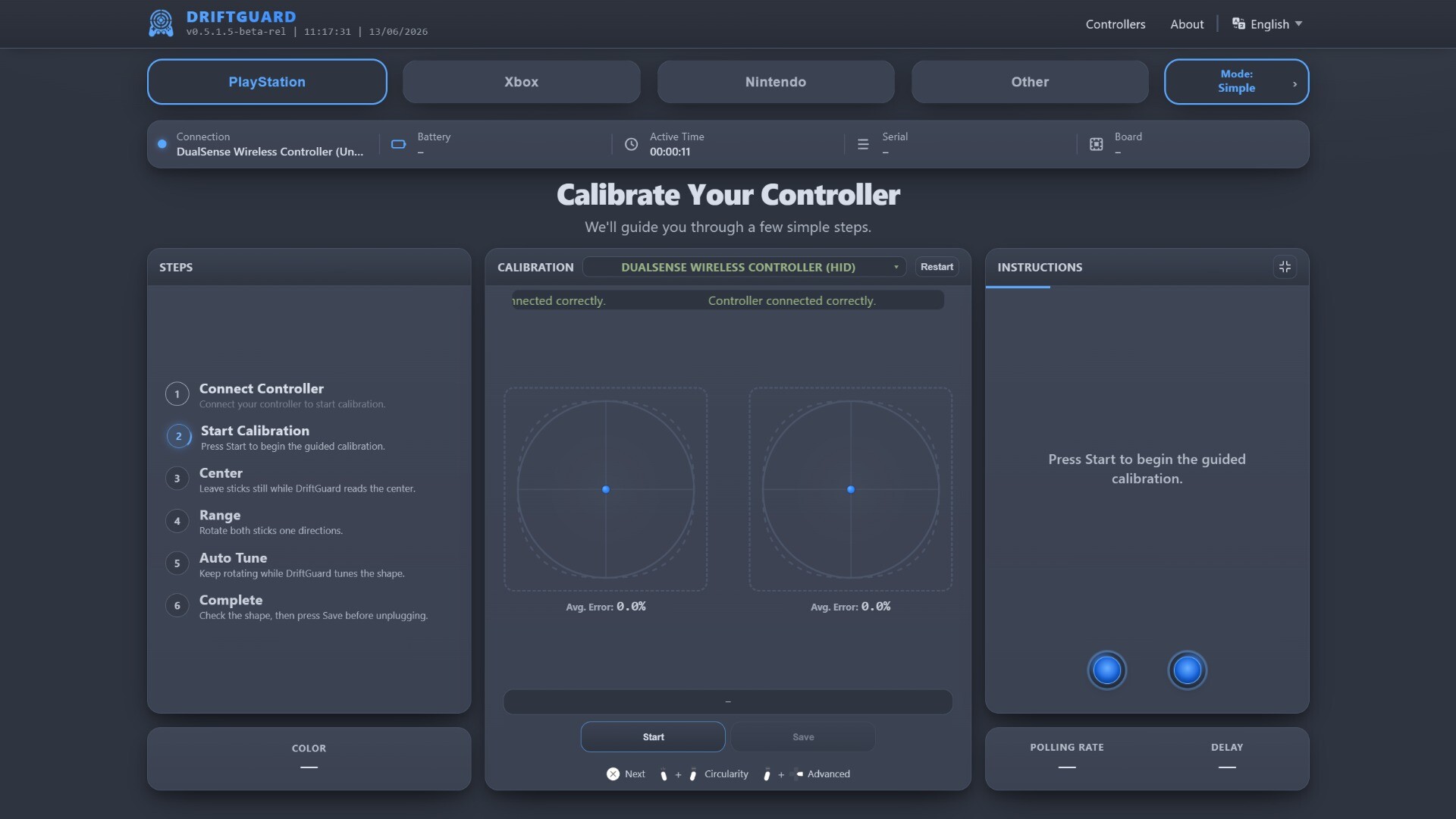
Supported Calibration Workflows: center calibration, range calibration, trigger calibration, manual tuning, calibration backup and restore on supported controllers.
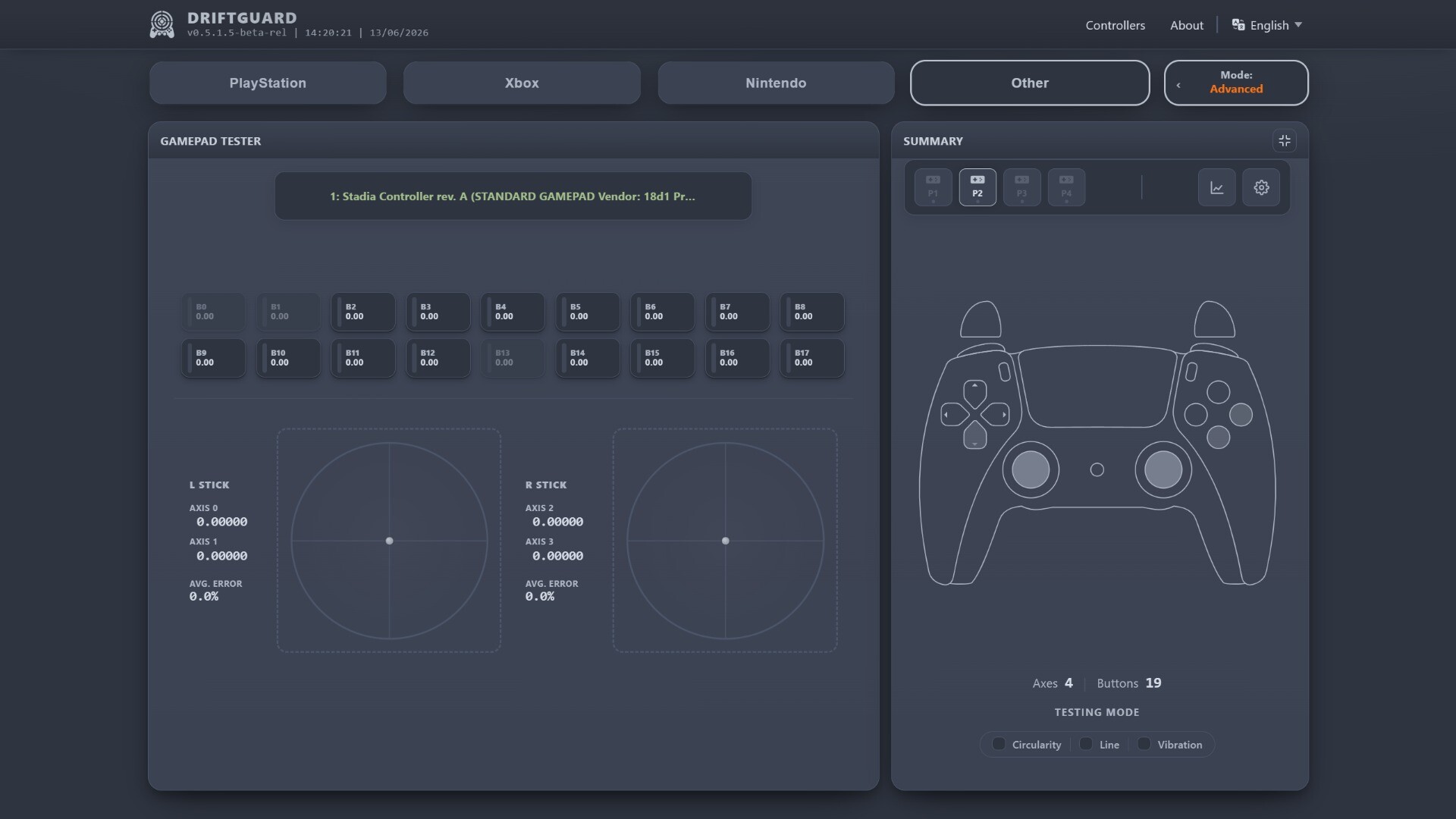
Input and Sensor Testing: buttons, d-pads, analog sticks, triggers, touchpads, paddles, touch sensors, and IMU/motion data where available.
Repair Validation: verify stick behavior after analog stick replacement, potentiometer replacement, Hall effect or TMR analog stick upgrades, and other controller service work.
Controller Information: firmware details, hardware data, serial/MAC information, battery/status, voltage and telemetry records where supported.
Model-Specific Feature Tests: LEDs, lightbars, player indicators, speaker/microphone paths, haptics, adaptive triggers, and rumble where available.
Supported features vary by controller model, firmware, connection type, and driver access. DriftGuard only shows calibration and advanced tools when they are available for the connected controller.
PlayStation: DualSense Edge, DualSense, DualShock 4, DualShock 3, PlayStation Access Controller, PlayStation VR2 Sense Controller.
Xbox: Xbox Wireless Controller (Series X|S), Xbox Wireless Controller (Xbox One / One S / One X), Xbox Elite Wireless Controller V2, Xbox Elite Wireless Controller V1, Xbox 360 Wired Controller, Xbox 360 Wireless Controller and more.
Nintendo: Switch Pro Controller, Switch Joy-Con L and Switch Joy-Con R.
Other Gamepads: input testing is available in Gamepad Tester mode when the controller is exposed by the system.
The Steam version is the native DriftGuard build. It includes the core testing and calibration tools, plus lower-level device access for workflows that browser-only builds cannot provide.
Broader Calibration Access: native device communication enables supported workflows for controllers that require direct HID, USB, GameInput, or Xbox GIP access.
Expanded Controller Coverage: native workflows make devices such as DualShock 3 to be suported as well as Xbox Series controllers family on firmware 5.20+ to be calibrated witout changing drivers.
Telemetry: supported DualSense, DualSense Edge, and Xbox controllers can expose usage and health records such as active time, connection counts, charge data, button/stick counters, trigger usage, and model-specific hardware records.
Ad-Free Interface: the Steam build of DriftGuard dont have any advertisements.
Buying the Steam version supports continued DriftGuard development. Your purchase helps fund compatibility research, native controller support, calibration improvements, and long-term maintenance of the project.
Calibration, telemetry, audio, lighting, haptics, motion, and advanced hardware features vary by controller model, firmware version, connection type, and driver access. DriftGuard can help with supported calibration issues, but severe physical wear, damaged sensors, broken modules, or faulty boards may still require hardware repair.