—
메타크리틱
0개
DLC
Steam
플랫폼
유틸리티
장르
-15%6,630원7,800원
플랫폼별 가격 비교
가격 히스토리
차트 로딩 중...
게임 소개
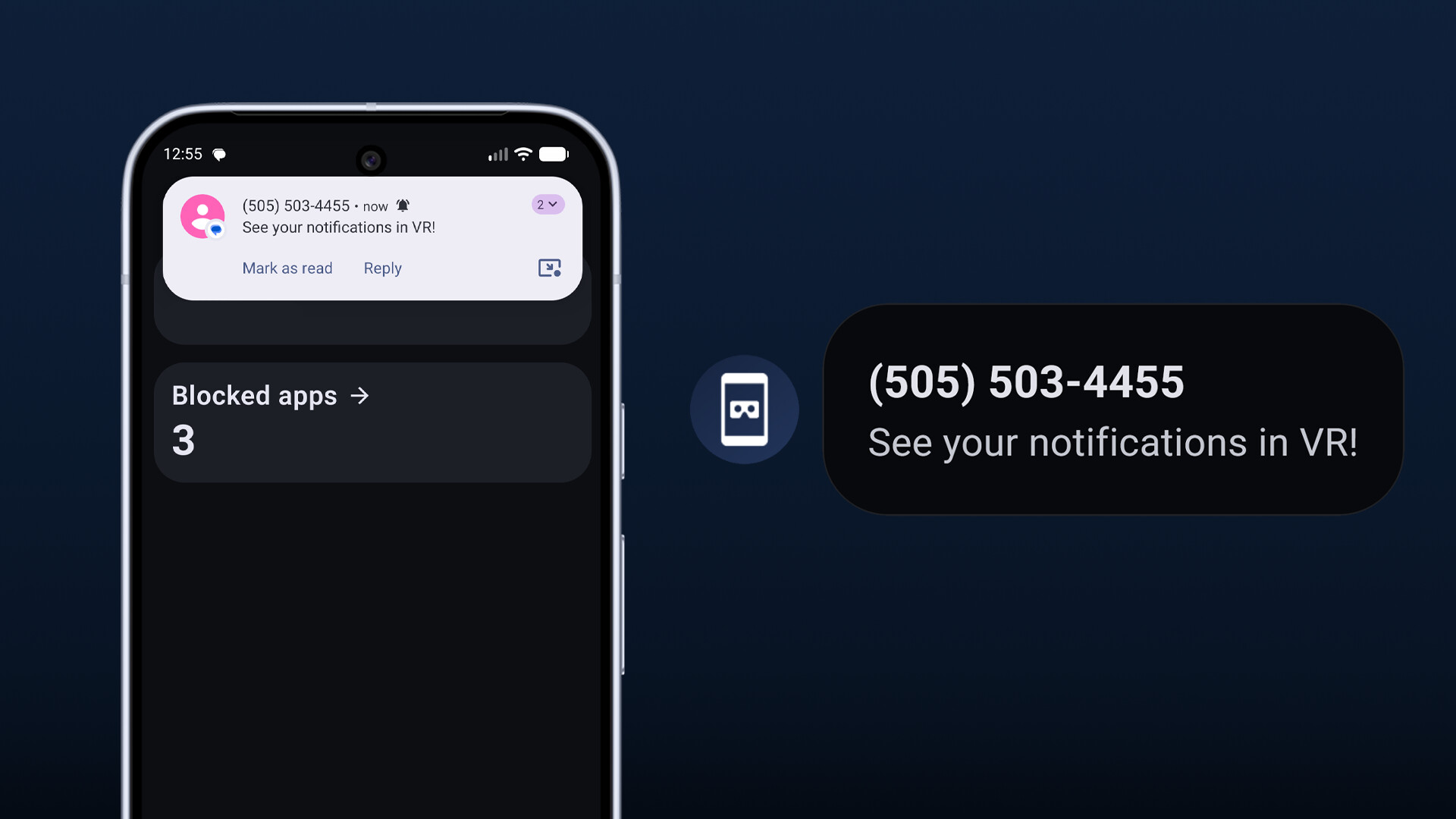
NotiVR keeps you connected to the real world while in VR. Connect your Android Phone or iPhone and see your phone notifications appear in a bespoke SteamVR overlay.
Setup is simple, no need to log into an account. Just download the NotiVR app follow the instructions on your PC. Set NotiVR to open on SteamVR startup and it will auto-connect so you never miss a message!
Supports iOS and Android
Using the NotiVR Android app you can easily pair with your PC and get full functionality over Wi-Fi.
For iOS users you just need a compatible Bluetooth LE adapter on your PC and the NotiVR app on your iPhone. Just follow the setup guide in the app!
Stay in touch in VR
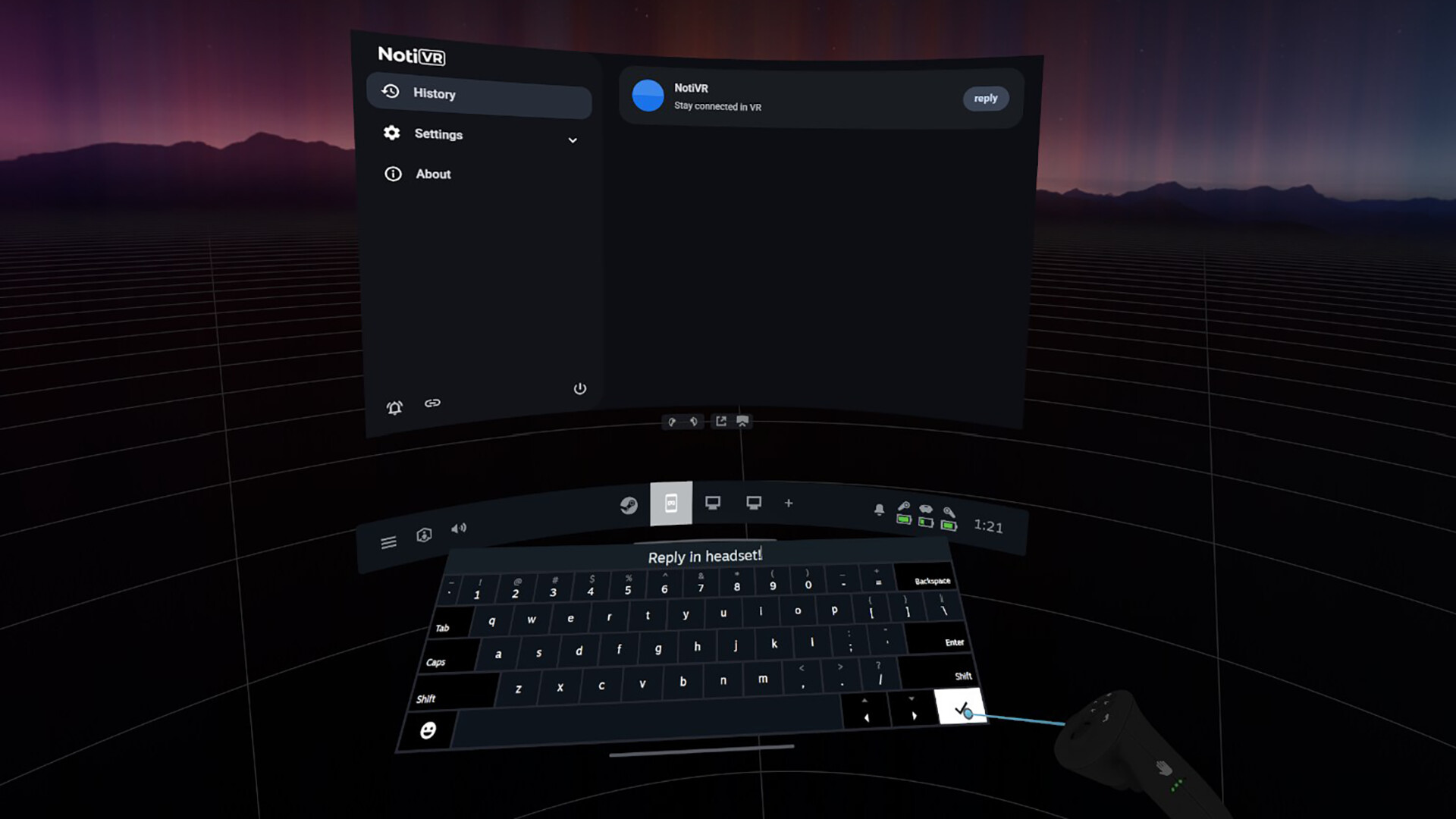
For our Android users you can also respond to messages directly in VR! Using the VR keyboard you can respond to messages from most major messaging apps (support varies by app)
Customise with Packs
Install custom icon packs and sound packs from the Steam Workshop for endless customisation. Swap stock icons for ones that fit your style, or add a custom sounds to specific apps to stay informed without distraction.
Create your own packs and share with the community!
Features
Seamless notification mirroring from Android and iOS
Reply to texts from most messaging apps entirely in headset (Android 7.0+ required, support may vary per app)
Fully customisable notification overlay
Custom icon and notification sounds downloadable from the Steam Workshop
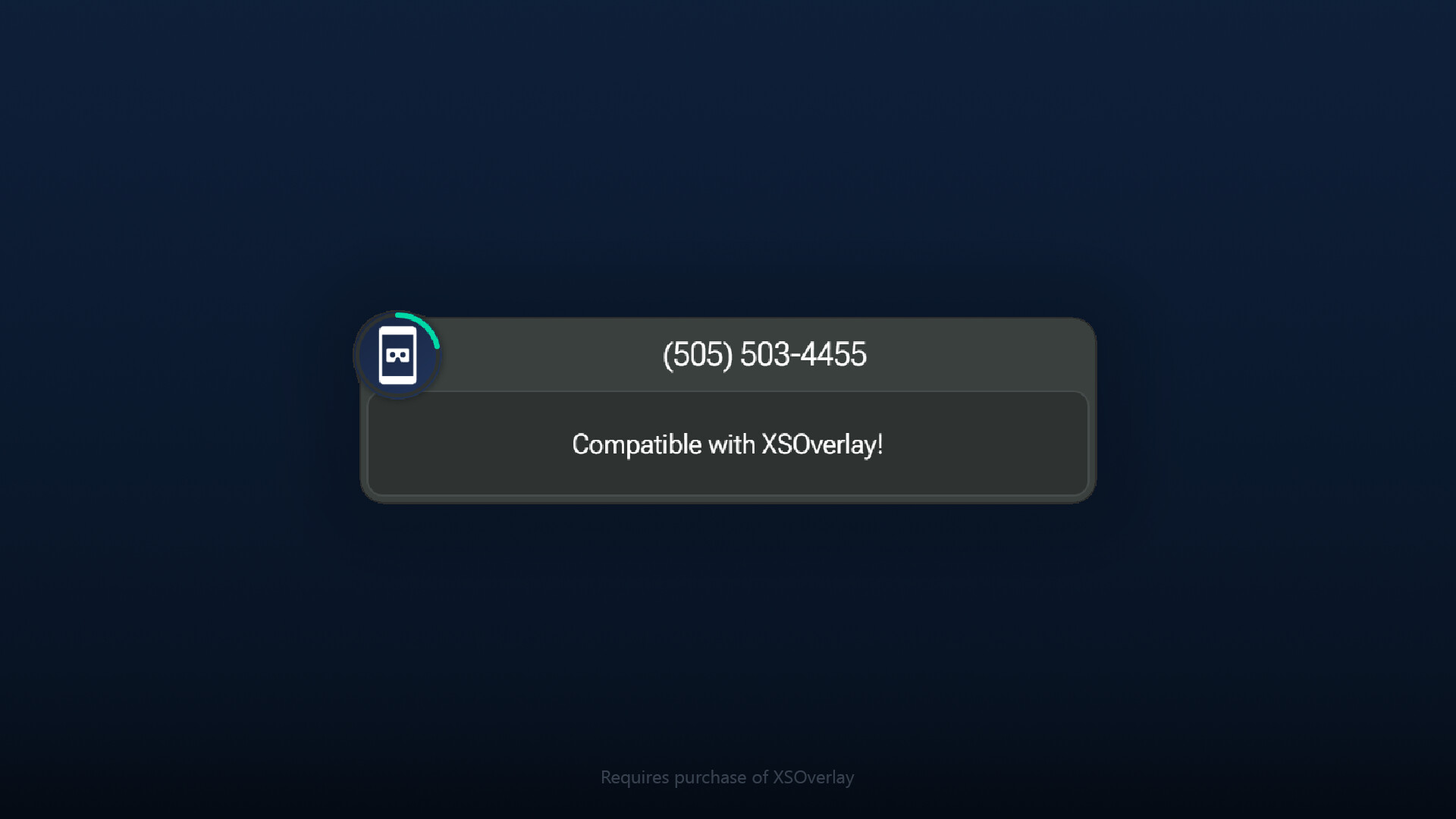
Option to use XSOverlay notifications (Requires purchase of XSOverlay)